> ## Documentation Index
> Fetch the complete documentation index at: https://docs.magpipe.ai/llms.txt
> Use this file to discover all available pages before exploring further.
# Scheduled Actions
> Schedule SMS messages and calls for future delivery
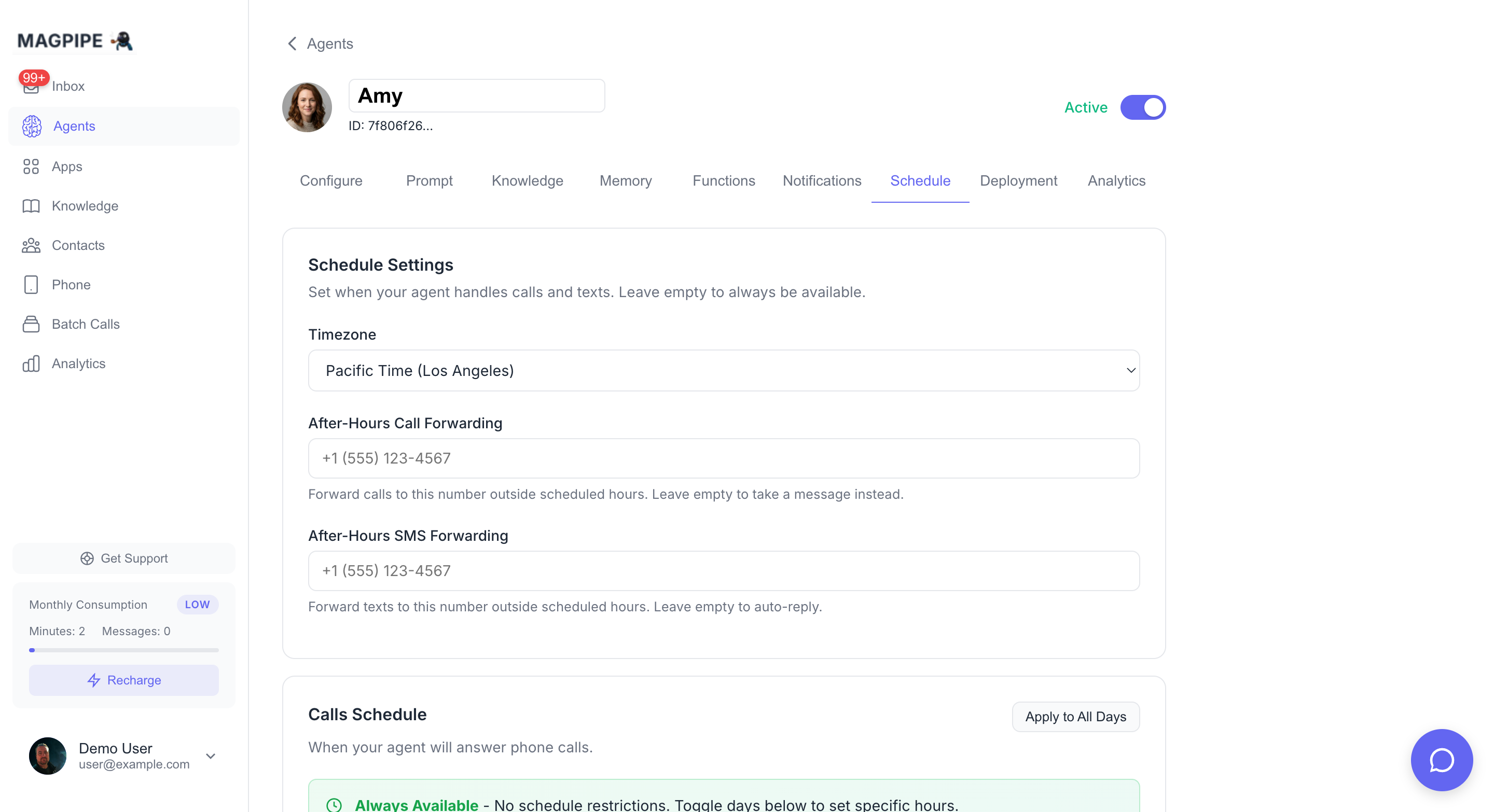
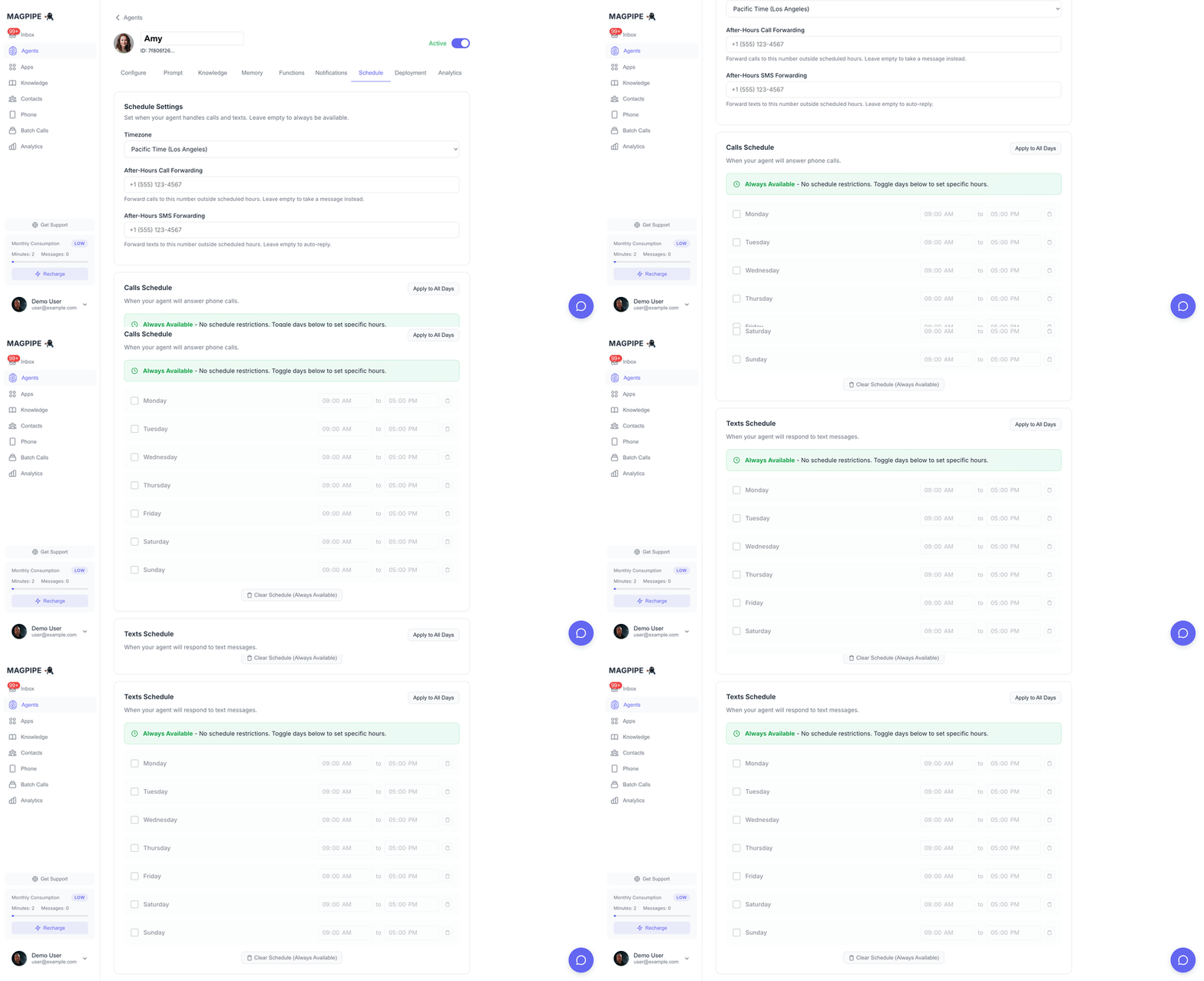
Schedule messages to be sent at a specific time in the future. Perfect for appointment reminders, follow-ups, and automated outreach.
## Overview
Scheduled Actions let you queue SMS messages (and soon calls) for future delivery. Actions are processed every 5 minutes and automatically retry on failure.
 ### Supported Actions
| Action Type | Description | Status |
| -------------- | ------------------------------- | -------------- |
| `send_sms` | Send SMS at scheduled time | ✅ Available |
| `call_contact` | Initiate call at scheduled time | 🔜 Coming soon |
## Scheduling via Agent Chat
The easiest way to schedule actions is through natural language in the Agent Chat.
### Examples
**Schedule a reminder:**
> "Send John a reminder about his appointment tomorrow at 9am"
**Schedule a follow-up:**
> "Text Sarah next Monday at 2pm: Thanks for meeting with us today!"
**Schedule with specific time:**
> "Send an SMS to +14155551234 on January 15th at 10:00 AM PST saying 'Your order is ready for pickup'"
The agent will:
1. Parse your request
2. Look up the contact (by name or number)
3. Show you a confirmation with the exact send time
4. Queue the message after you confirm
## Scheduling via API
You can also schedule actions programmatically.
### Create Scheduled SMS
```bash theme={null}
curl -X POST "https://api.magpipe.ai/functions/v1/scheduled-actions" \
-H "Authorization: Bearer YOUR_API_KEY" \
-H "Content-Type: application/json" \
-d '{
"action_type": "send_sms",
"scheduled_at": "2026-01-15T10:00:00-08:00",
"parameters": {
"recipient_phone": "+14155551234",
"recipient_name": "John Smith",
"message": "Your appointment is in 1 hour. Reply STOP to opt out.",
"sender_number": "+16045559876"
}
}'
```
### Parameters
| Field | Type | Required | Description |
| -------------- | ------ | -------- | ------------------------------- |
| `action_type` | string | Yes | `send_sms` or `call_contact` |
| `scheduled_at` | string | Yes | ISO 8601 datetime with timezone |
| `parameters` | object | Yes | Action-specific parameters |
**SMS Parameters:**
| Field | Type | Required | Description |
| ----------------- | ------ | -------- | ----------------------------------------- |
| `recipient_phone` | string | Yes | Recipient phone in E.164 format |
| `recipient_name` | string | No | Recipient name for reference |
| `message` | string | Yes | Message content |
| `sender_number` | string | No | Your Magpipe number (defaults to primary) |
## How Processing Works
Scheduled actions are processed automatically:
1. **Every 5 minutes**, the system checks for pending actions
2. Actions with `scheduled_at <= now` are executed
3. Successful actions are marked `completed`
4. Failed actions retry up to 3 times with 5-minute delays
5. After 3 failures, actions are marked `failed`
```
┌─────────────────┐ ┌─────────────────┐ ┌─────────────────┐
│ pending │ ──► │ processing │ ──► │ completed │
└─────────────────┘ └─────────────────┘ └─────────────────┘
│
│ (on failure)
▼
┌─────────────────┐
│ retry (up to 3)│
└─────────────────┘
│
│ (max retries)
▼
┌─────────────────┐
│ failed │
└─────────────────┘
```
## Action Statuses
| Status | Description |
| ------------ | ----------------------------------- |
| `pending` | Queued, waiting for scheduled time |
| `processing` | Currently being executed |
| `completed` | Successfully executed |
| `failed` | Failed after all retry attempts |
| `cancelled` | Manually cancelled before execution |
## Managing Scheduled Actions
### List Pending Actions
```bash theme={null}
curl "https://api.magpipe.ai/functions/v1/scheduled-actions?status=pending" \
-H "Authorization: Bearer YOUR_API_KEY"
```
### Cancel an Action
Cancel a pending action before it executes:
```bash theme={null}
curl -X PATCH "https://api.magpipe.ai/functions/v1/scheduled-actions/{id}" \
-H "Authorization: Bearer YOUR_API_KEY" \
-H "Content-Type: application/json" \
-d '{"status": "cancelled"}'
```
You can only cancel actions with `pending` status. Once an action starts processing, it cannot be cancelled.
## SMS Compliance
Scheduled SMS messages automatically include compliance handling:
* **Opt-out checking**: Messages won't send to contacts who have opted out
* **Compliance footer**: US numbers automatically get "STOP to opt out" appended
* **Delivery tracking**: Message status is logged and trackable
## Time Zones
Always use ISO 8601 format with timezone information:
```
2026-01-15T10:00:00-08:00 (Pacific Time)
2026-01-15T13:00:00-05:00 (Eastern Time)
2026-01-15T18:00:00Z (UTC)
```
When scheduling via agent chat, use natural language like "tomorrow at 9am" or "next Monday at 2pm" - the agent automatically converts to the correct timezone based on your account settings.
## Use Cases
### Appointment Reminders
Schedule reminders 24 hours and 1 hour before appointments:
```javascript theme={null}
// 24-hour reminder
await scheduleAction({
action_type: 'send_sms',
scheduled_at: dayjs(appointmentTime).subtract(24, 'hours').toISOString(),
parameters: {
recipient_phone: customerPhone,
message: `Reminder: Your appointment is tomorrow at ${time}. Reply C to confirm or R to reschedule.`
}
});
// 1-hour reminder
await scheduleAction({
action_type: 'send_sms',
scheduled_at: dayjs(appointmentTime).subtract(1, 'hour').toISOString(),
parameters: {
recipient_phone: customerPhone,
message: `Your appointment is in 1 hour. See you soon!`
}
});
```
### Follow-up Sequences
Send a series of follow-up messages after an event:
```javascript theme={null}
const followUps = [
{ delay: 1, unit: 'day', message: 'Thanks for visiting! How was your experience?' },
{ delay: 3, unit: 'days', message: 'Don\'t forget to leave us a review!' },
{ delay: 7, unit: 'days', message: 'We miss you! Come back for 10% off.' }
];
for (const followUp of followUps) {
await scheduleAction({
action_type: 'send_sms',
scheduled_at: dayjs().add(followUp.delay, followUp.unit).toISOString(),
parameters: {
recipient_phone: customerPhone,
message: followUp.message
}
});
}
```
### Business Hours Messaging
Schedule messages to arrive during business hours:
```javascript theme={null}
// If it's after 6pm, schedule for 9am next business day
let sendTime = dayjs();
if (sendTime.hour() >= 18) {
sendTime = sendTime.add(1, 'day').hour(9).minute(0);
}
// Skip weekends
while (sendTime.day() === 0 || sendTime.day() === 6) {
sendTime = sendTime.add(1, 'day');
}
```
## Limits
| Limit | Value |
| ------------------------------ | --------------- |
| Max actions per processing run | 50 |
| Processing interval | Every 5 minutes |
| Max retry attempts | 3 |
| Retry delay | 5 minutes |
Need higher throughput or more frequent processing? Contact us about enterprise options.
### Supported Actions
| Action Type | Description | Status |
| -------------- | ------------------------------- | -------------- |
| `send_sms` | Send SMS at scheduled time | ✅ Available |
| `call_contact` | Initiate call at scheduled time | 🔜 Coming soon |
## Scheduling via Agent Chat
The easiest way to schedule actions is through natural language in the Agent Chat.
### Examples
**Schedule a reminder:**
> "Send John a reminder about his appointment tomorrow at 9am"
**Schedule a follow-up:**
> "Text Sarah next Monday at 2pm: Thanks for meeting with us today!"
**Schedule with specific time:**
> "Send an SMS to +14155551234 on January 15th at 10:00 AM PST saying 'Your order is ready for pickup'"
The agent will:
1. Parse your request
2. Look up the contact (by name or number)
3. Show you a confirmation with the exact send time
4. Queue the message after you confirm
## Scheduling via API
You can also schedule actions programmatically.
### Create Scheduled SMS
```bash theme={null}
curl -X POST "https://api.magpipe.ai/functions/v1/scheduled-actions" \
-H "Authorization: Bearer YOUR_API_KEY" \
-H "Content-Type: application/json" \
-d '{
"action_type": "send_sms",
"scheduled_at": "2026-01-15T10:00:00-08:00",
"parameters": {
"recipient_phone": "+14155551234",
"recipient_name": "John Smith",
"message": "Your appointment is in 1 hour. Reply STOP to opt out.",
"sender_number": "+16045559876"
}
}'
```
### Parameters
| Field | Type | Required | Description |
| -------------- | ------ | -------- | ------------------------------- |
| `action_type` | string | Yes | `send_sms` or `call_contact` |
| `scheduled_at` | string | Yes | ISO 8601 datetime with timezone |
| `parameters` | object | Yes | Action-specific parameters |
**SMS Parameters:**
| Field | Type | Required | Description |
| ----------------- | ------ | -------- | ----------------------------------------- |
| `recipient_phone` | string | Yes | Recipient phone in E.164 format |
| `recipient_name` | string | No | Recipient name for reference |
| `message` | string | Yes | Message content |
| `sender_number` | string | No | Your Magpipe number (defaults to primary) |
## How Processing Works
Scheduled actions are processed automatically:
1. **Every 5 minutes**, the system checks for pending actions
2. Actions with `scheduled_at <= now` are executed
3. Successful actions are marked `completed`
4. Failed actions retry up to 3 times with 5-minute delays
5. After 3 failures, actions are marked `failed`
```
┌─────────────────┐ ┌─────────────────┐ ┌─────────────────┐
│ pending │ ──► │ processing │ ──► │ completed │
└─────────────────┘ └─────────────────┘ └─────────────────┘
│
│ (on failure)
▼
┌─────────────────┐
│ retry (up to 3)│
└─────────────────┘
│
│ (max retries)
▼
┌─────────────────┐
│ failed │
└─────────────────┘
```
## Action Statuses
| Status | Description |
| ------------ | ----------------------------------- |
| `pending` | Queued, waiting for scheduled time |
| `processing` | Currently being executed |
| `completed` | Successfully executed |
| `failed` | Failed after all retry attempts |
| `cancelled` | Manually cancelled before execution |
## Managing Scheduled Actions
### List Pending Actions
```bash theme={null}
curl "https://api.magpipe.ai/functions/v1/scheduled-actions?status=pending" \
-H "Authorization: Bearer YOUR_API_KEY"
```
### Cancel an Action
Cancel a pending action before it executes:
```bash theme={null}
curl -X PATCH "https://api.magpipe.ai/functions/v1/scheduled-actions/{id}" \
-H "Authorization: Bearer YOUR_API_KEY" \
-H "Content-Type: application/json" \
-d '{"status": "cancelled"}'
```
You can only cancel actions with `pending` status. Once an action starts processing, it cannot be cancelled.
## SMS Compliance
Scheduled SMS messages automatically include compliance handling:
* **Opt-out checking**: Messages won't send to contacts who have opted out
* **Compliance footer**: US numbers automatically get "STOP to opt out" appended
* **Delivery tracking**: Message status is logged and trackable
## Time Zones
Always use ISO 8601 format with timezone information:
```
2026-01-15T10:00:00-08:00 (Pacific Time)
2026-01-15T13:00:00-05:00 (Eastern Time)
2026-01-15T18:00:00Z (UTC)
```
When scheduling via agent chat, use natural language like "tomorrow at 9am" or "next Monday at 2pm" - the agent automatically converts to the correct timezone based on your account settings.
## Use Cases
### Appointment Reminders
Schedule reminders 24 hours and 1 hour before appointments:
```javascript theme={null}
// 24-hour reminder
await scheduleAction({
action_type: 'send_sms',
scheduled_at: dayjs(appointmentTime).subtract(24, 'hours').toISOString(),
parameters: {
recipient_phone: customerPhone,
message: `Reminder: Your appointment is tomorrow at ${time}. Reply C to confirm or R to reschedule.`
}
});
// 1-hour reminder
await scheduleAction({
action_type: 'send_sms',
scheduled_at: dayjs(appointmentTime).subtract(1, 'hour').toISOString(),
parameters: {
recipient_phone: customerPhone,
message: `Your appointment is in 1 hour. See you soon!`
}
});
```
### Follow-up Sequences
Send a series of follow-up messages after an event:
```javascript theme={null}
const followUps = [
{ delay: 1, unit: 'day', message: 'Thanks for visiting! How was your experience?' },
{ delay: 3, unit: 'days', message: 'Don\'t forget to leave us a review!' },
{ delay: 7, unit: 'days', message: 'We miss you! Come back for 10% off.' }
];
for (const followUp of followUps) {
await scheduleAction({
action_type: 'send_sms',
scheduled_at: dayjs().add(followUp.delay, followUp.unit).toISOString(),
parameters: {
recipient_phone: customerPhone,
message: followUp.message
}
});
}
```
### Business Hours Messaging
Schedule messages to arrive during business hours:
```javascript theme={null}
// If it's after 6pm, schedule for 9am next business day
let sendTime = dayjs();
if (sendTime.hour() >= 18) {
sendTime = sendTime.add(1, 'day').hour(9).minute(0);
}
// Skip weekends
while (sendTime.day() === 0 || sendTime.day() === 6) {
sendTime = sendTime.add(1, 'day');
}
```
## Limits
| Limit | Value |
| ------------------------------ | --------------- |
| Max actions per processing run | 50 |
| Processing interval | Every 5 minutes |
| Max retry attempts | 3 |
| Retry delay | 5 minutes |
Need higher throughput or more frequent processing? Contact us about enterprise options.