

Overview
AI Agents are the core of Magpipe. Each agent is a fully customizable AI assistant with its own personality, voice, knowledge, and behavior. Agents can handle multiple communication channels simultaneously — answering phone calls, responding to SMS messages, chatting with website visitors, and handling email conversations.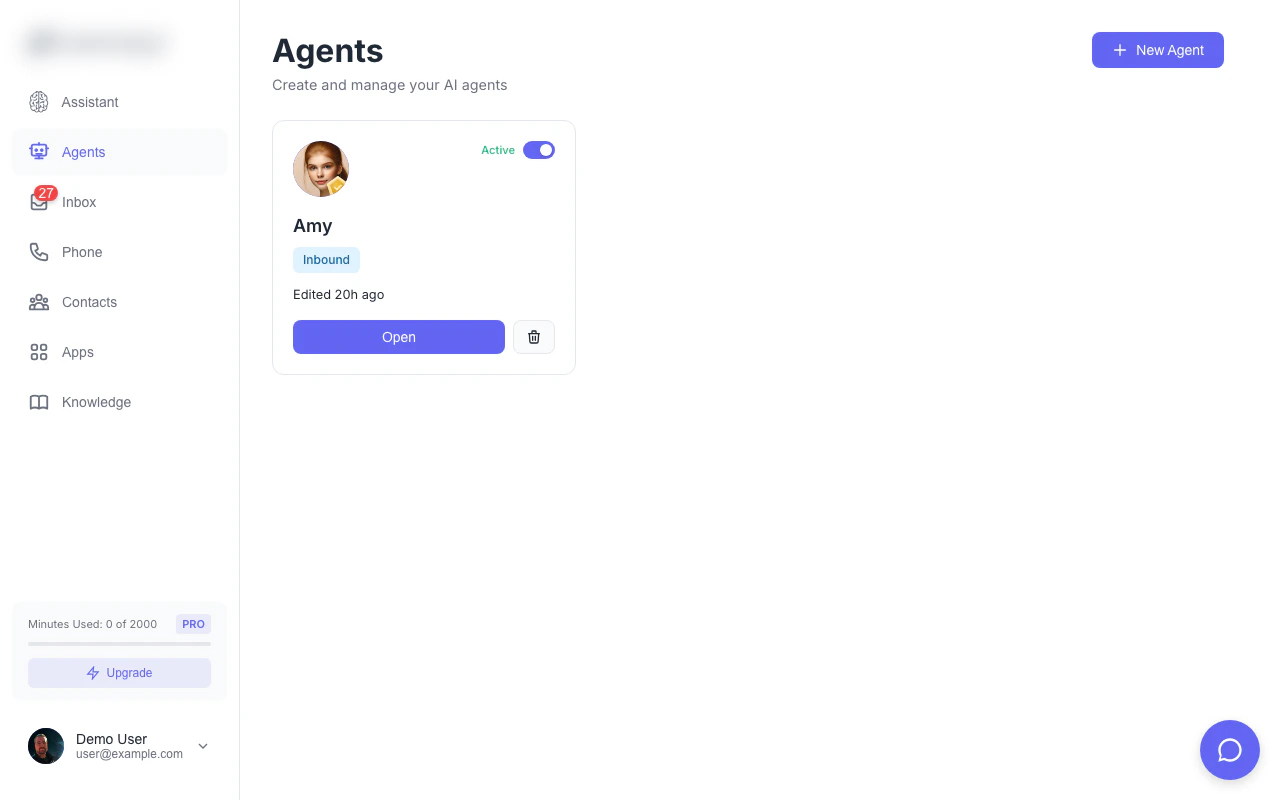
The agents dashboard shows all your AI agents at a glance
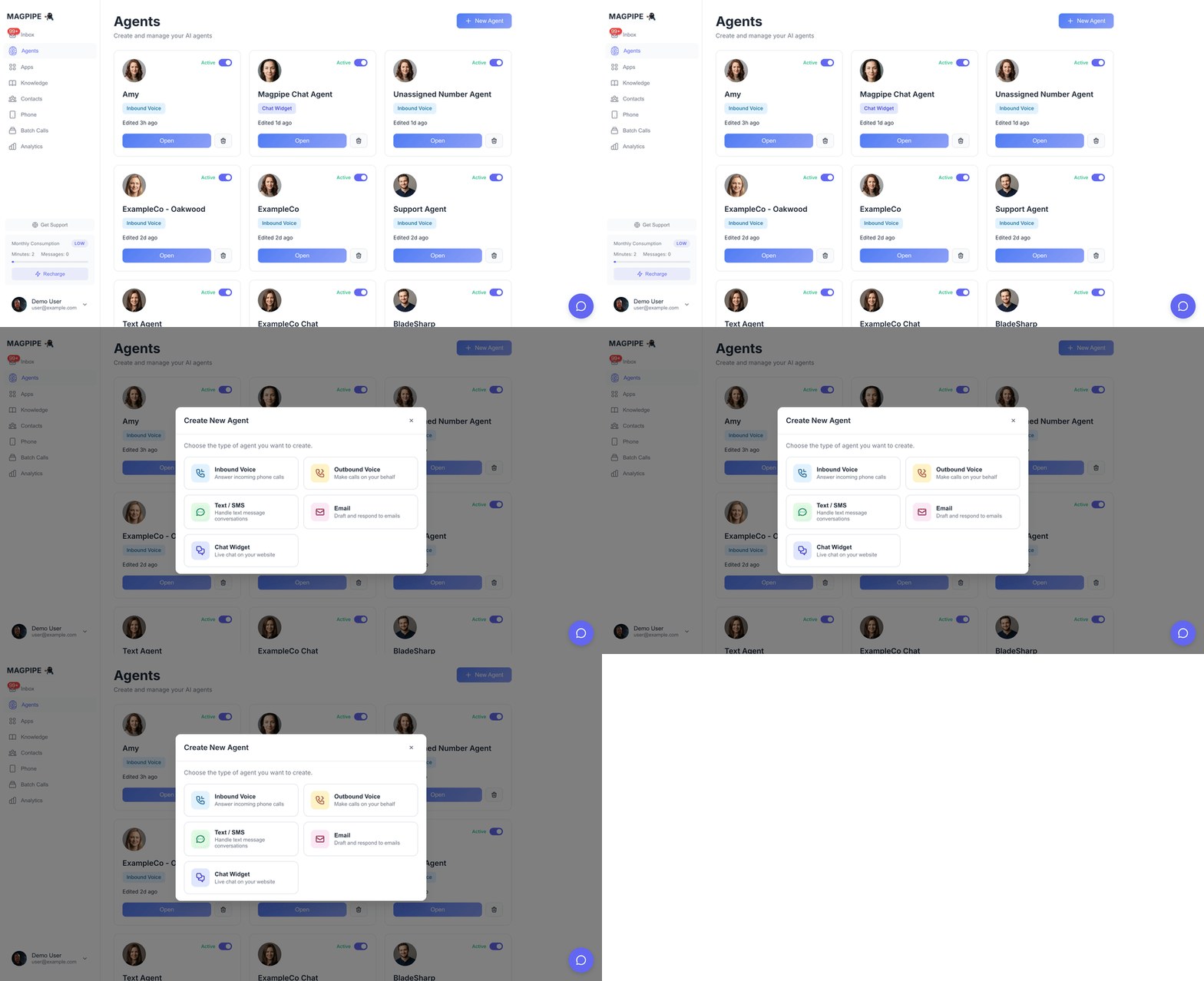
Creating a new AI agent
Agent Capabilities
Inbound Calls
- Answer calls with a natural greeting
- Engage in human-like conversation
- Multilingual support — detect and match the caller’s language
- Answer questions using knowledge base
- Book appointments via calendar integration
- Transfer calls to humans when needed
- Take messages and send follow-up SMS
- Handle multiple concurrent calls
Outbound Calls
- Make AI-powered outbound calls
- Appointment reminders and confirmations
- Follow-up calls with leads
- Sales and marketing campaigns
- Custom call scripts and goals
- Bulk calling with contact lists
SMS Messaging
- Respond to inbound SMS intelligently
- Send AI-generated replies with context
- Multilingual support — respond in the sender’s language
- Handle opt-out requests automatically
- Support MMS with images
- Schedule messages for later
- Bulk SMS campaigns
Website Chat
- Real-time chat widget
- AI-powered responses
- Human handoff capability
- Visitor information collection
- Custom welcome messages
- Connect Gmail accounts to agents
- Monitor and respond to incoming emails
- Three modes: Off, Draft (review before sending), Auto (automatic replies)
- Contact enrichment from email senders
- Full email threads viewable in inbox
Agent Configuration
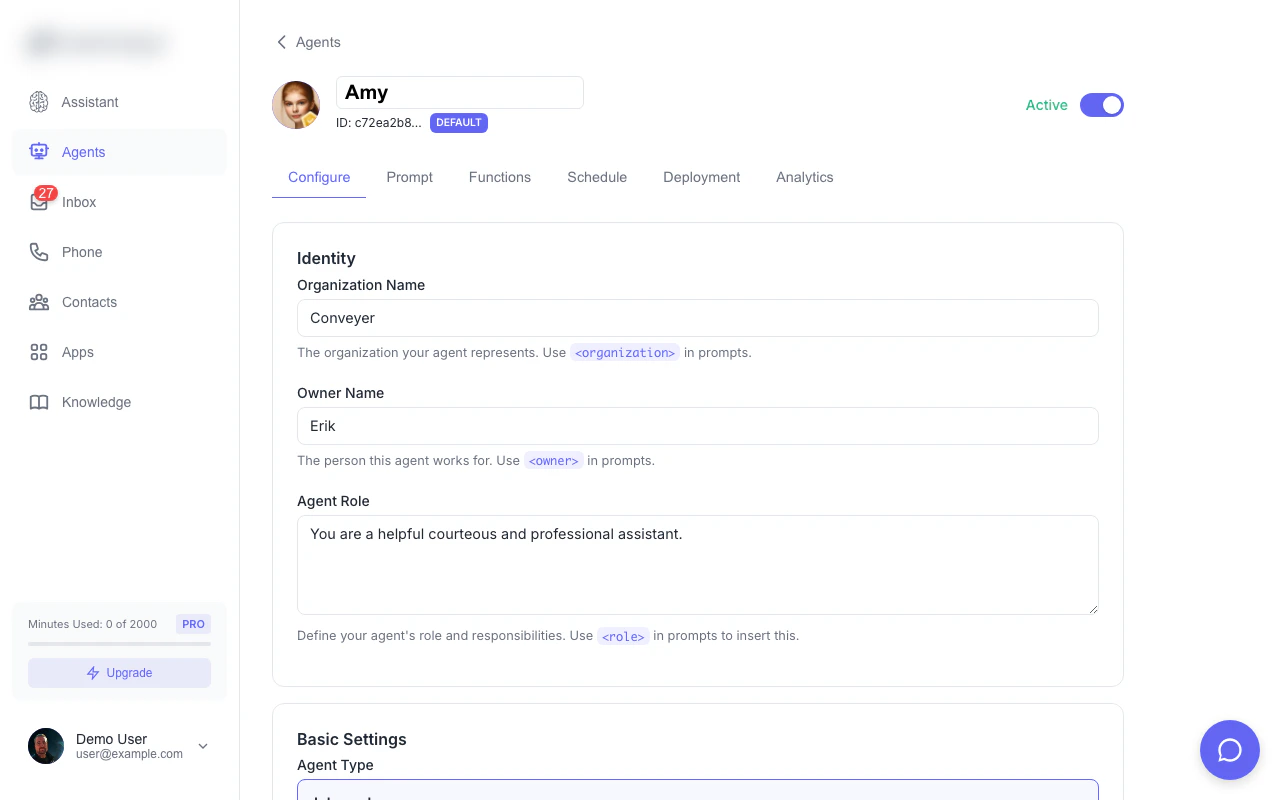
Agent detail view — configure your agent's personality, voice, and behavior
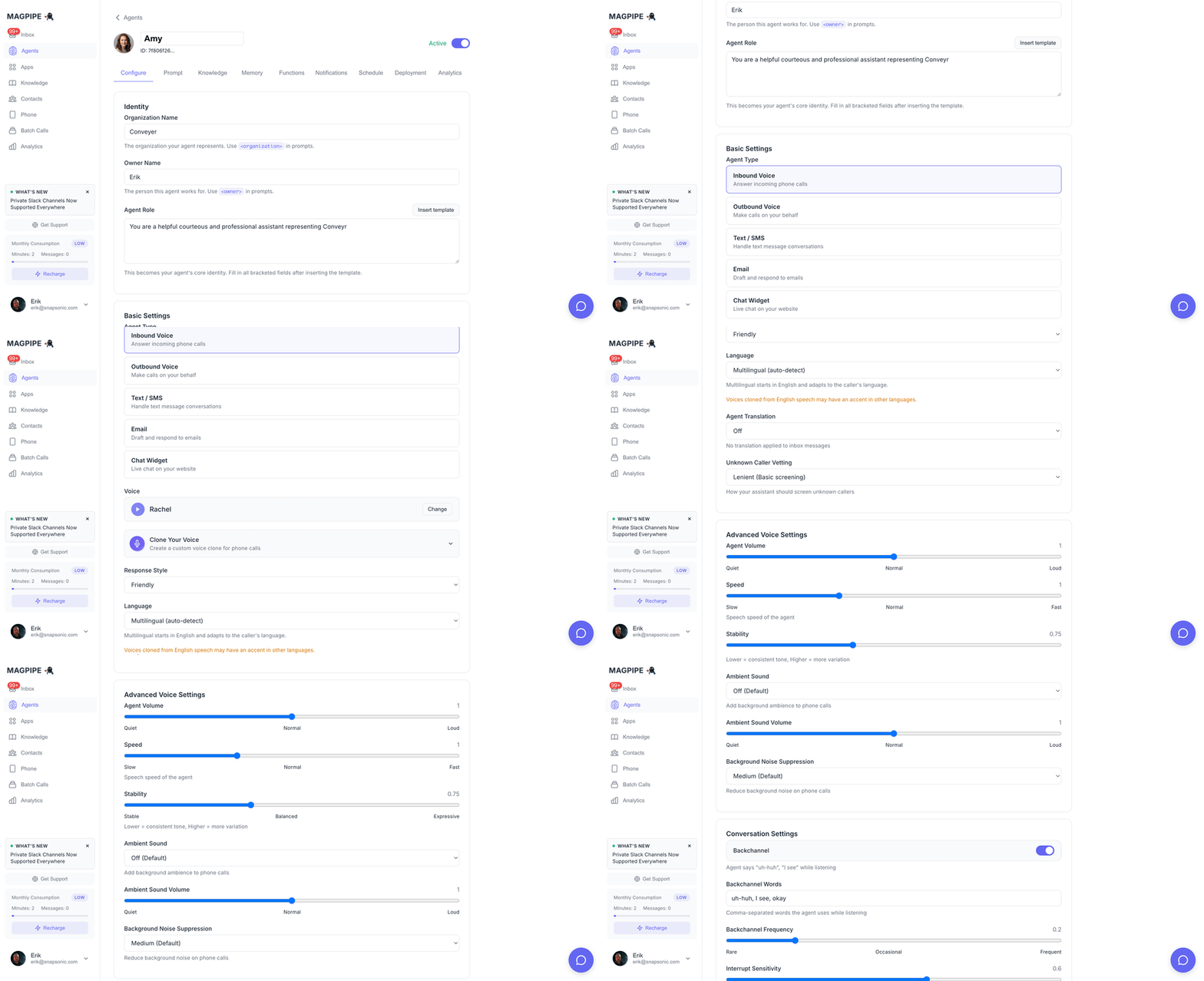
Scroll through all Configure tab settings
Basic Settings
Language
Set the language your agent uses for voice calls and SMS responses.
Multilingual mode is ideal for businesses serving diverse communities. The agent will start in English on voice calls and switch if the caller speaks another language. For SMS, it detects the language of each incoming message automatically.
Voice Settings
Voice Selection
Choose from 30 AI voices across two providers. Each voice card shows an avatar, audio preview, and trait tags (accent, tone, age, use case, and supported languages). OpenAI Voices (6 options):- Alloy, Echo, Fable, Nova, Onyx, Shimmer
- All support 50+ languages with auto-detection
- Rachel, Sarah, Elli, Josh, Lily, Brian, Daniel, Eric, Jessica, Matilda, Roger, Laura, Charlie, George, Callum, River, Harry, Liam, Alice, Will, Bella, Chris, Adam, Bill
- Accents: American, British, Australian
- Most voices support multiple languages (French, German, Spanish, Chinese, Arabic, Hindi, Japanese, and more)
Voice Cloning
Create a custom voice clone from audio samples:- Upload 1-3 minutes of clean audio
- System generates a voice model using ElevenLabs Multilingual v2 (preserves your natural accent)
- Preview the cloned voice directly in the voice selector
- Use for your agent’s calls
Voice cloning requires the Pro plan and uses ElevenLabs technology.
Voice Speed
Adjust speech rate from 0.5x to 2.0x (default: 1.0x)System Prompts
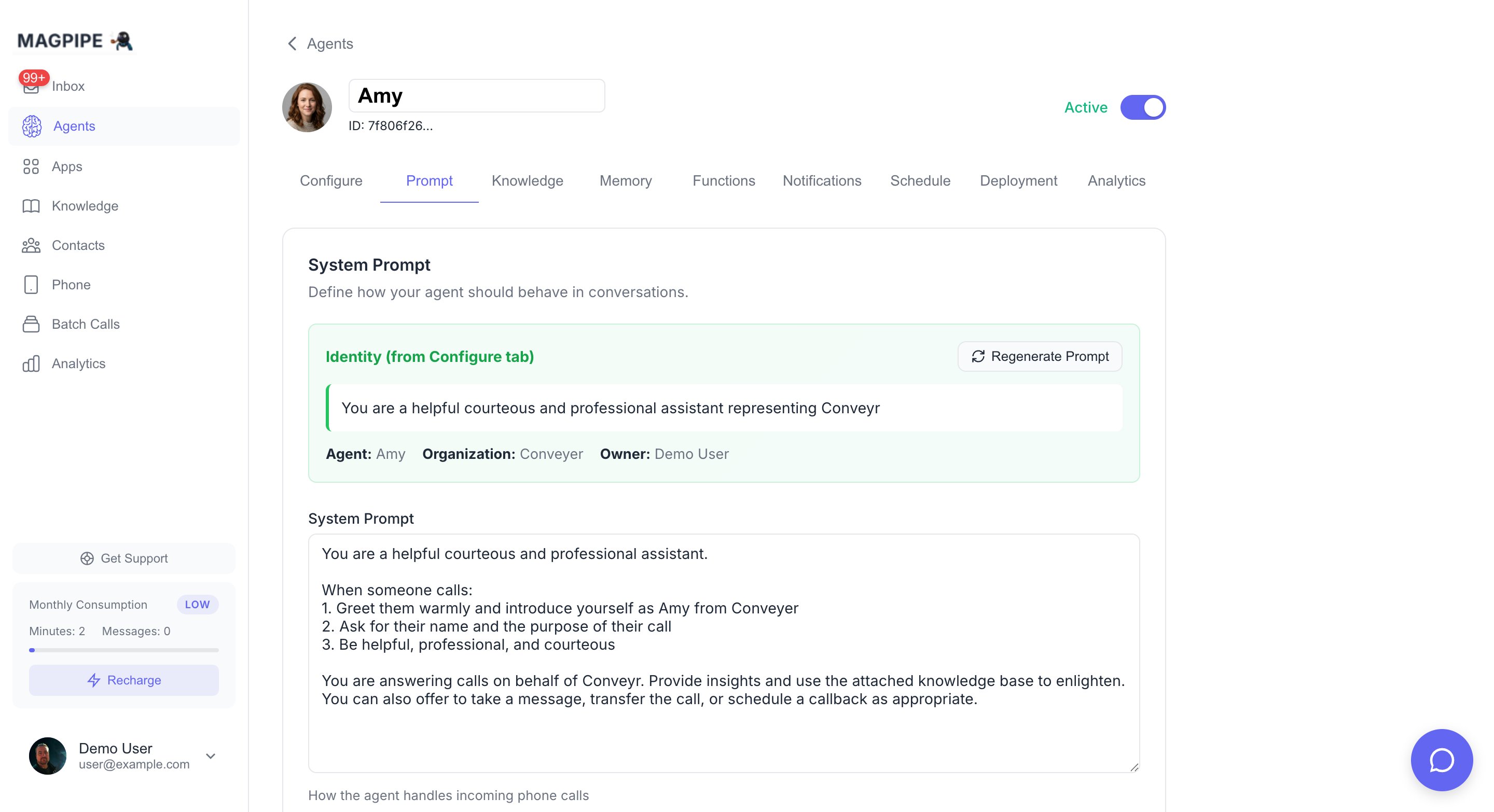
The Prompt tab — define your agent's personality and conversation behavior
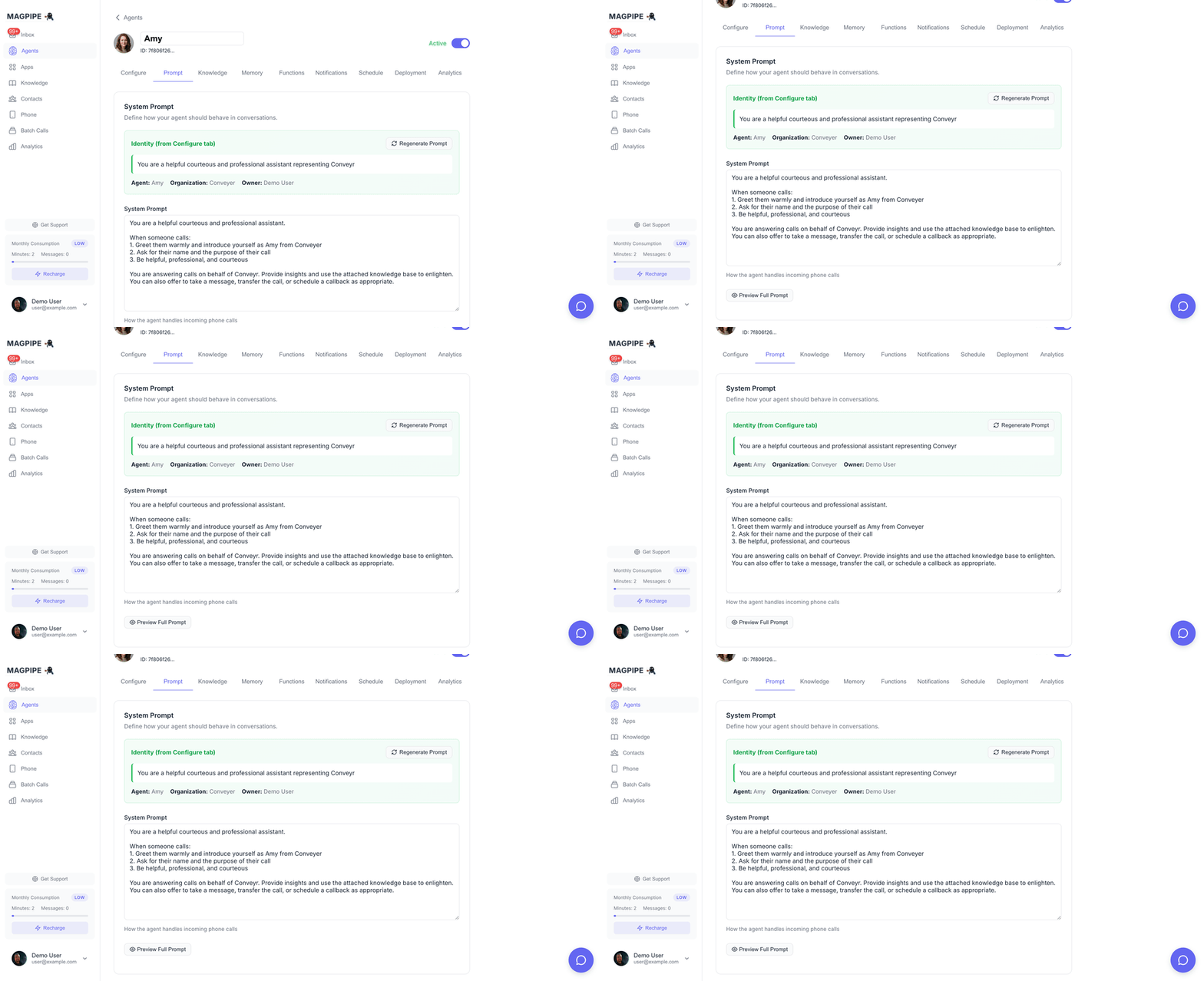
Scroll through the full system prompt configuration
Inbound Prompt
Used when answering incoming calls:Outbound Prompt
Used when making outbound calls:Call Handling
Greeting
The first thing your agent says when answering:End Call Phrases
Phrases that trigger automatic call termination:- “goodbye”
- “bye bye”
- “have a nice day”
- “talk to you later”
Max Call Duration
Set a maximum call length (60 seconds to 60 minutes). Calls automatically end after this duration with a polite message.Transfer Number
Phone number for transferring calls to a human:- Caller requests transfer
- Agent can’t help with request
- Emergency situations
Schedule
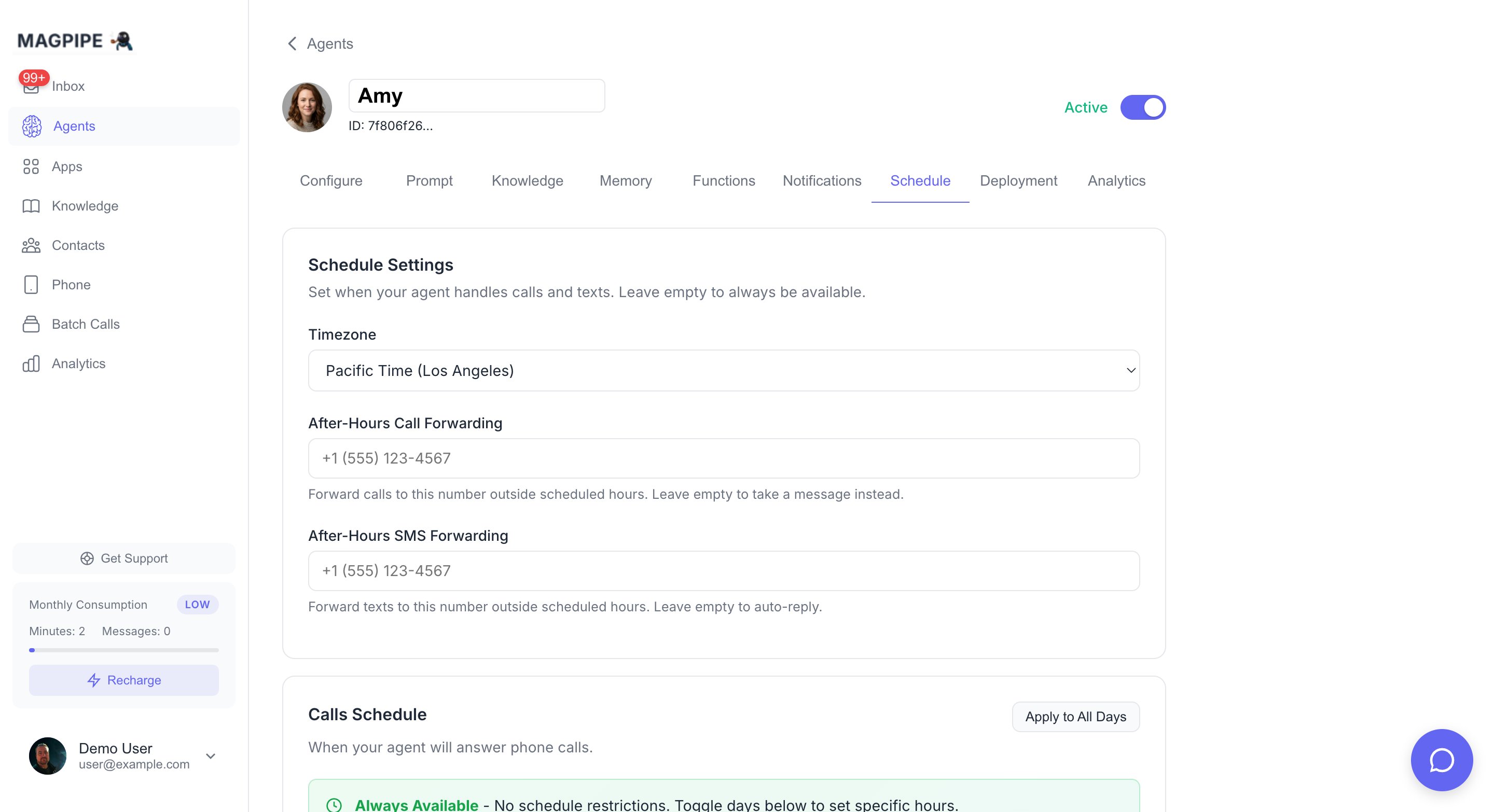
The Schedule tab — set business hours, timezone, and after-hours forwarding
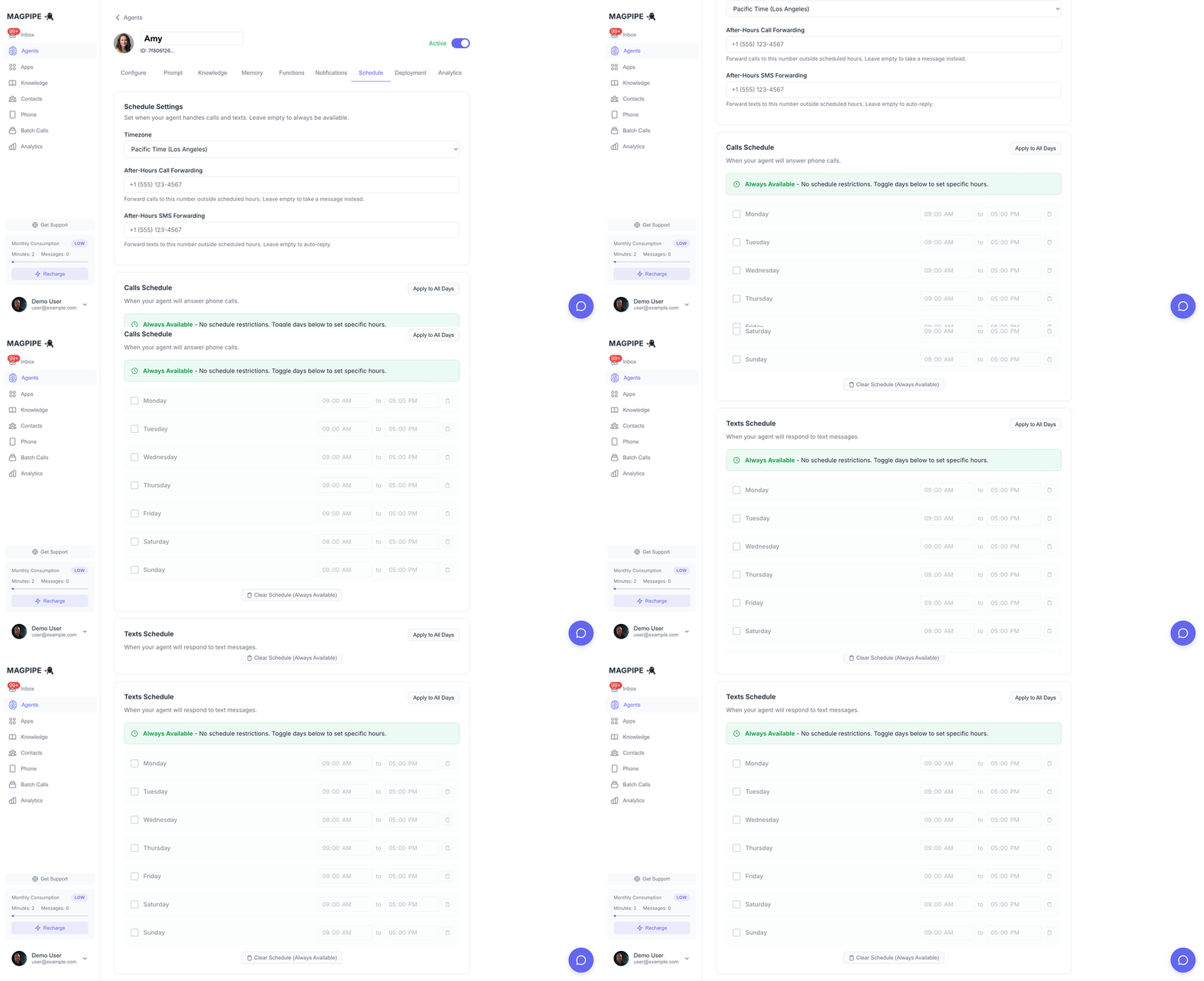
Scroll through call and SMS schedule settings
Call Schedule
Set business hours for phone calls:- Enable/disable each day of the week
- Set start and end times per day (e.g., Monday 9:00 AM - 5:00 PM)
- With forwarding number: Calls are routed to the agent, which greets the caller and transfers them to your after-hours forwarding number
- Without forwarding number: Callers hear “This Magpipe agent is currently off duty” and the call ends
SMS Schedule
Set hours for SMS responses:- Configure independently from call schedule
- Enable/disable each day with custom hours
- With forwarding number: The inbound message is forwarded to your after-hours SMS number, and the sender receives an off-duty message
- Without forwarding number: The sender receives “This Magpipe agent is currently off duty”
After-Hours Forwarding
Configure forwarding numbers in the Schedule Settings section:- After-Hours Call Forwarding: Phone number to transfer calls to outside business hours
- After-Hours SMS Forwarding: Phone number to forward text messages to outside business hours
Timezone
Select your business timezone for accurate scheduling.Deployment
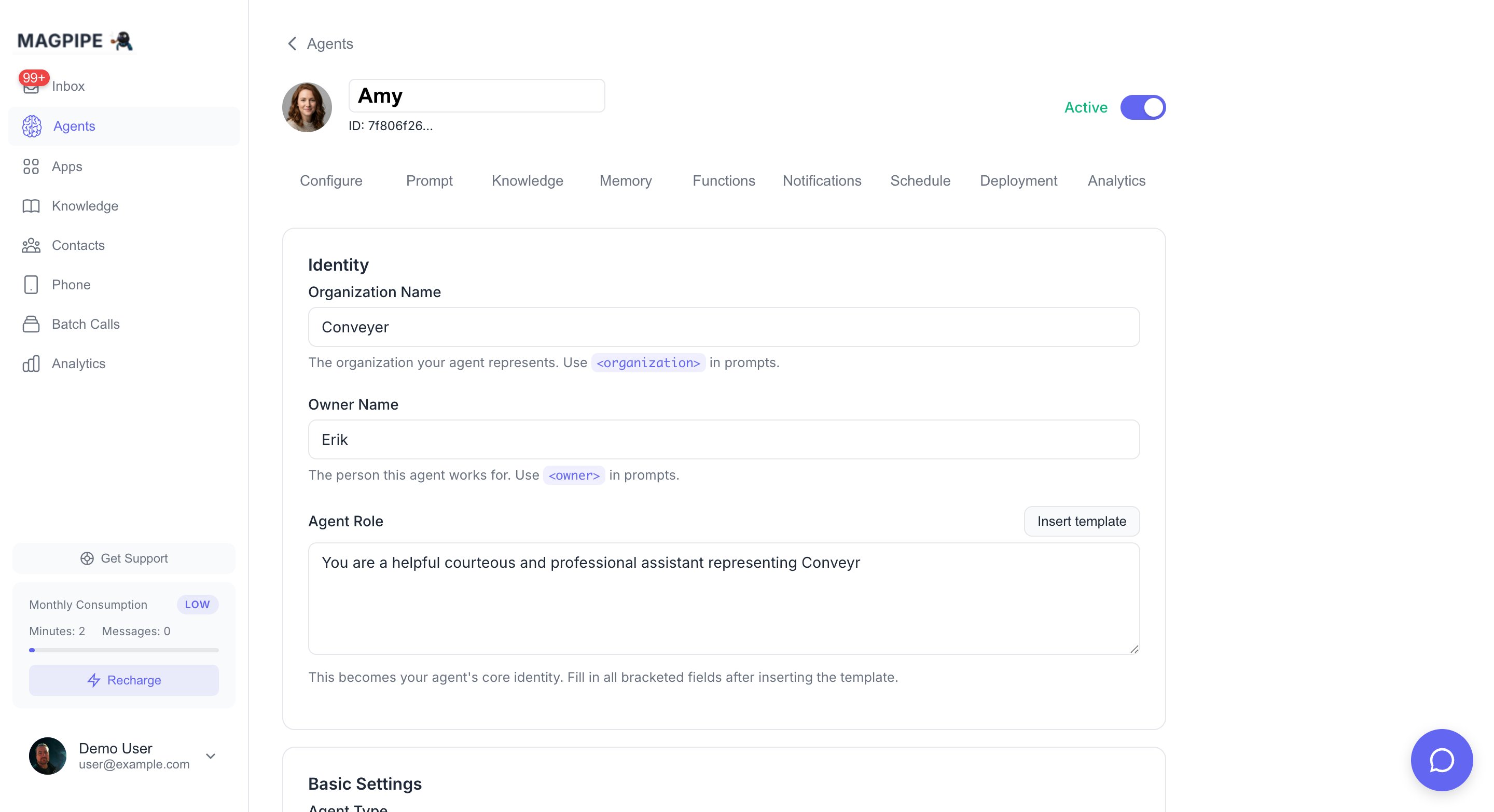
The Deployment tab — assign phone numbers, create chat widgets, and connect email
Assigning a phone number to your agent
Phone Numbers
Assign your agent to one or more phone numbers:- Go to Agent Detail → Deploy tab
- Click Assign Number
- Select from your provisioned numbers
- Agent immediately starts handling calls/texts
- Voice agents (inbound/outbound) assign to the number’s voice slot
- Text agents assign to the number’s text slot
Chat Widget
Deploy your agent to a website chat widget:- Go to Agent Detail → Deploy tab
- Click Create Widget in the Web Chat section
- Customize appearance (color, position, messages)
- Copy the embed code
- Paste into your website before
</body>
- Go to Agent Detail → Deploy tab
- Click Connect Gmail in the Email section
- Authorize access via Google OAuth
- Configure agent mode (Off, Draft, or Auto)
Multiple Agents
Create multiple agents for different purposes:Use Cases
- Receptionist Agent: General inquiries and routing
- Sales Agent: Lead qualification and demos
- Support Agent: Technical help and troubleshooting
- Appointment Agent: Scheduling specialist
Default Agent
Mark one agent as default. This agent handles:- Calls to numbers without assigned agents
- Fallback when primary agent unavailable
Agent-Specific Numbers
Assign different phone numbers to different agents:- Main line → Receptionist Agent
- Sales line → Sales Agent
- Support line → Support Agent
Advanced Features
Knowledge Base Integration
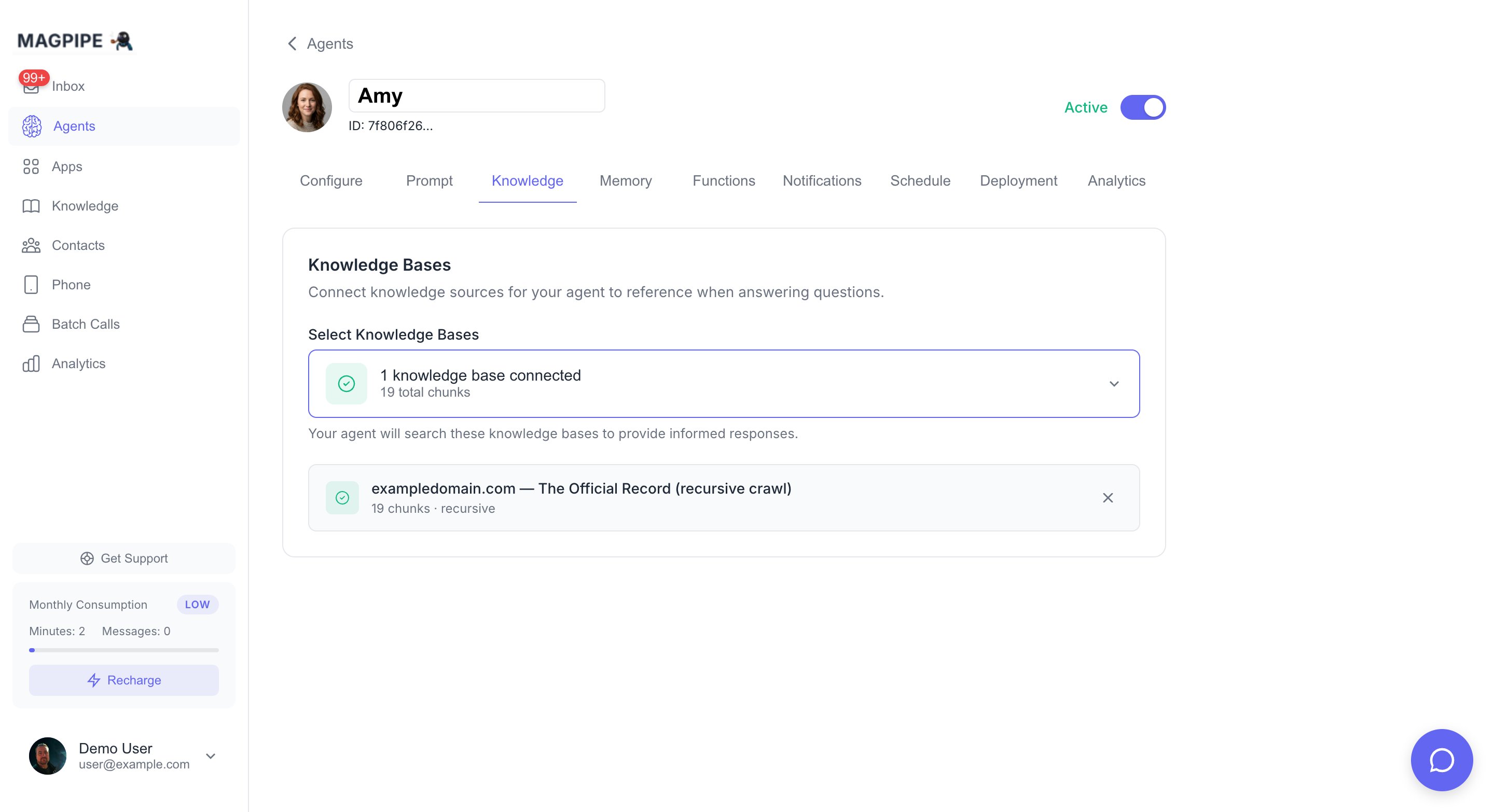
The Knowledge tab — manage which knowledge sources your agent can access
- Add website URLs
- Upload documents
- Custom content
Calendar Integration
Let your agent book appointments:- Connect Cal.com in Apps
- Agent can check availability
- Agent books appointments for callers
- Confirmations sent automatically
Call Recording
All calls are recorded by default:- Recordings stored securely
- Available in inbox and via API
- Transcripts generated automatically
- Can be disabled per agent via the Settings tab or API
recording_enabled field applies to both inbound calls routed to the agent and outbound calls placed using the agent’s number. It defaults to true.
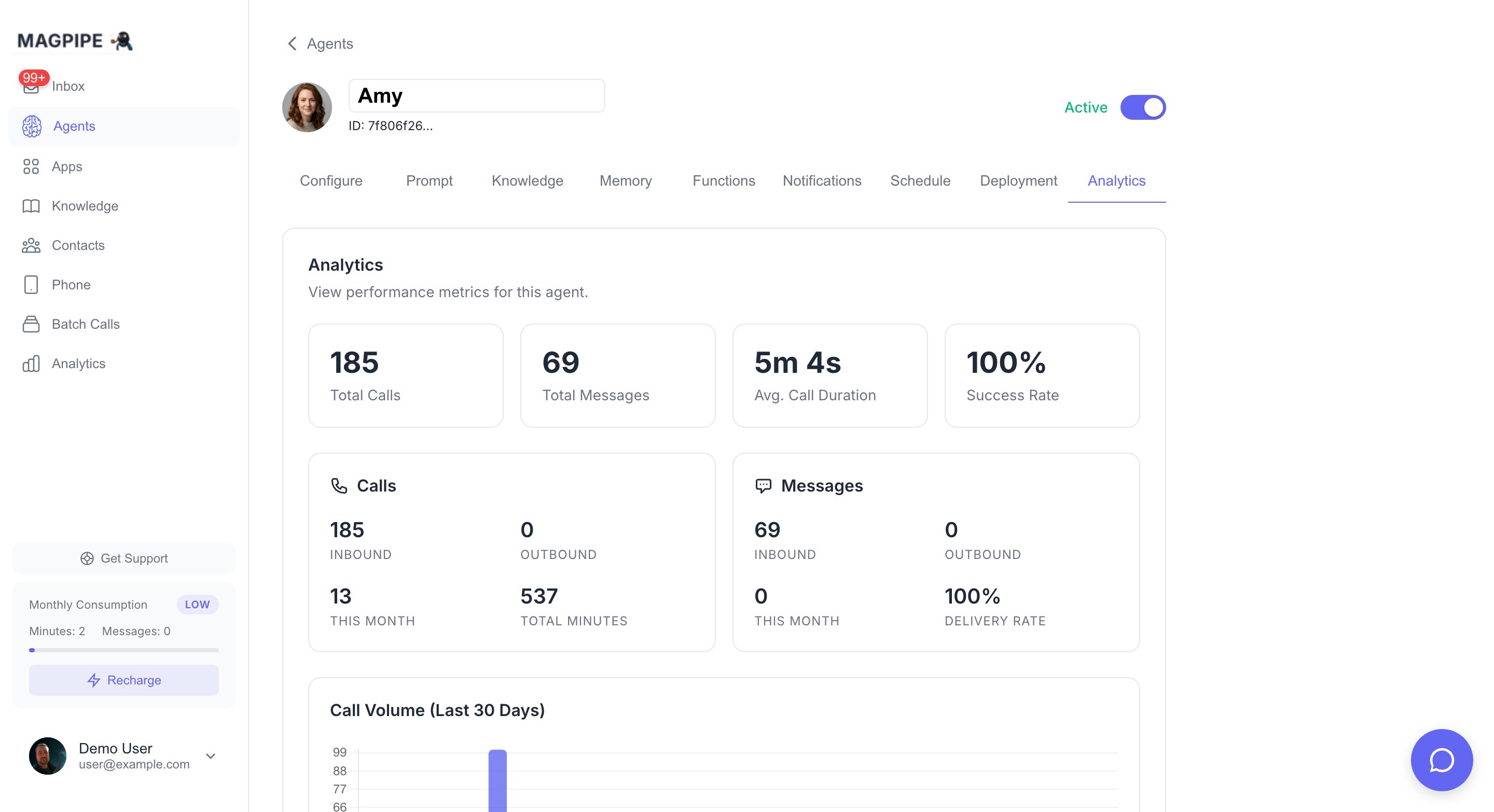
The Analytics tab — track call volume, sentiment, and agent performance
Sentiment Analysis
AI analyzes each conversation:- Positive: Happy, satisfied caller
- Neutral: Standard interaction
- Negative: Frustrated or upset caller
Call Summaries
AI generates summaries after each call:- Key points discussed
- Action items identified
- Caller intent and outcome
Best Practices
System Prompts
- Be specific: Include exact business details
- Set boundaries: Define what agent can/cannot do
- Include examples: Show desired conversation patterns
- Test thoroughly: Make test calls before going live
Voice Selection
- Match your brand: Professional business = professional voice
- Consider audience: Age, industry, expectations
- Test with users: Get feedback on voice choice
Scheduling
- Set realistic hours: Match actual availability
- Handle after-hours: Configure forwarding numbers for calls and SMS, or let the off-duty message handle it
- Update for holidays: Adjust schedule as needed
Create Your First Agent
Step-by-step setup guide
Email Integration
Connect Gmail to your agent
Voice Cloning
Create custom voice clones