

Overview
The Knowledge Base is your agent’s memory. It stores information about your business - FAQs, services, pricing, policies - that agents reference when answering questions. Using RAG (Retrieval Augmented Generation), agents can provide accurate, contextual responses based on your actual content rather than making things up.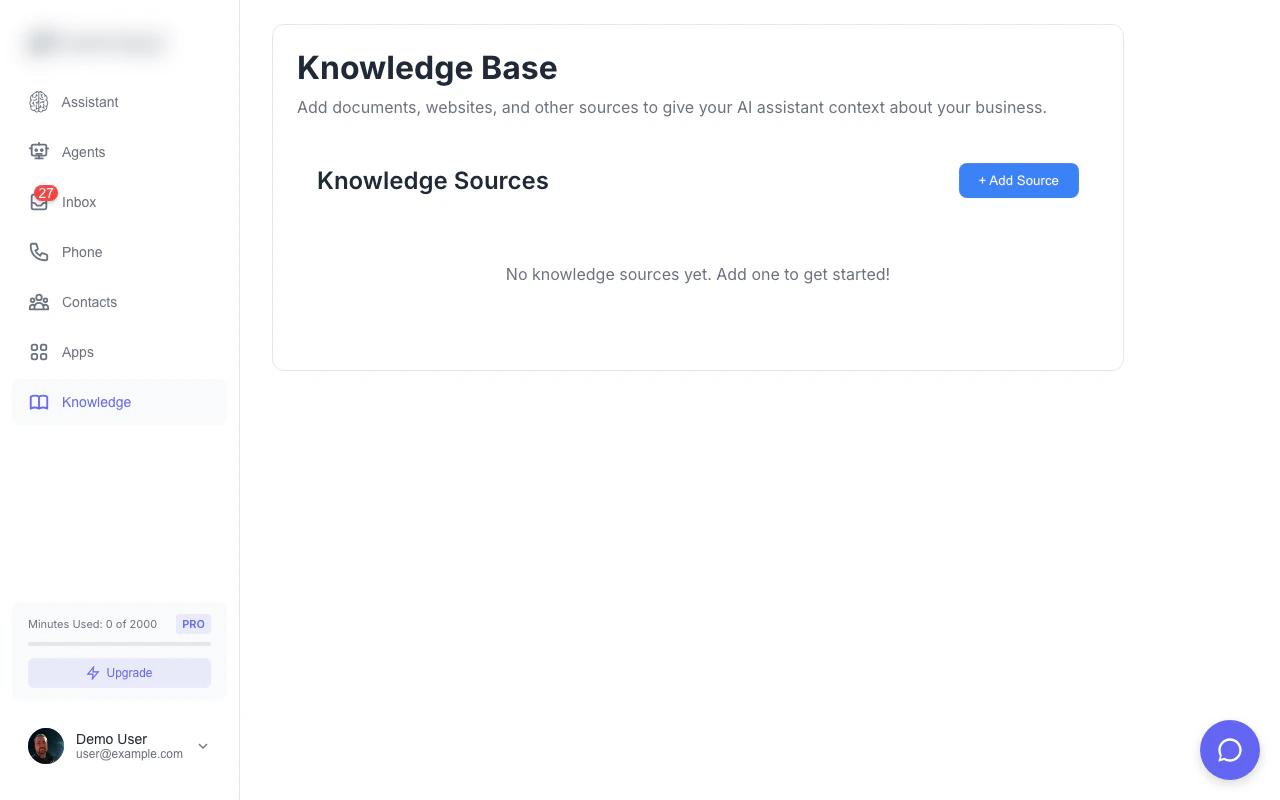
Knowledge base dashboard with your indexed sources and sync status
How It Works
Vector Search Technology
Magpipe uses pgvector for semantic search:-
Content Ingestion
- You add a URL or document
- Content is fetched and cleaned
- Text is split into chunks (~500 tokens each)
-
Embedding Generation
- Each chunk is converted to a vector embedding
- Embeddings capture semantic meaning
- Stored in PostgreSQL with pgvector
-
Runtime Retrieval
- When a caller asks a question
- Question is converted to an embedding
- Similar chunks are found via cosine similarity
- Top 3-5 most relevant chunks are retrieved
-
Context Injection
- Retrieved chunks are added to the agent’s context
- Agent uses this information to answer accurately
- Responses cite actual content from your knowledge base
Why RAG?
Without knowledge base:“What are your business hours?” “I don’t have that information.” ❌With knowledge base:
“What are your business hours?” “We’re open Monday through Friday, 9 AM to 5 PM, and Saturday from 10 AM to 2 PM.” ✓
Adding Knowledge Sources
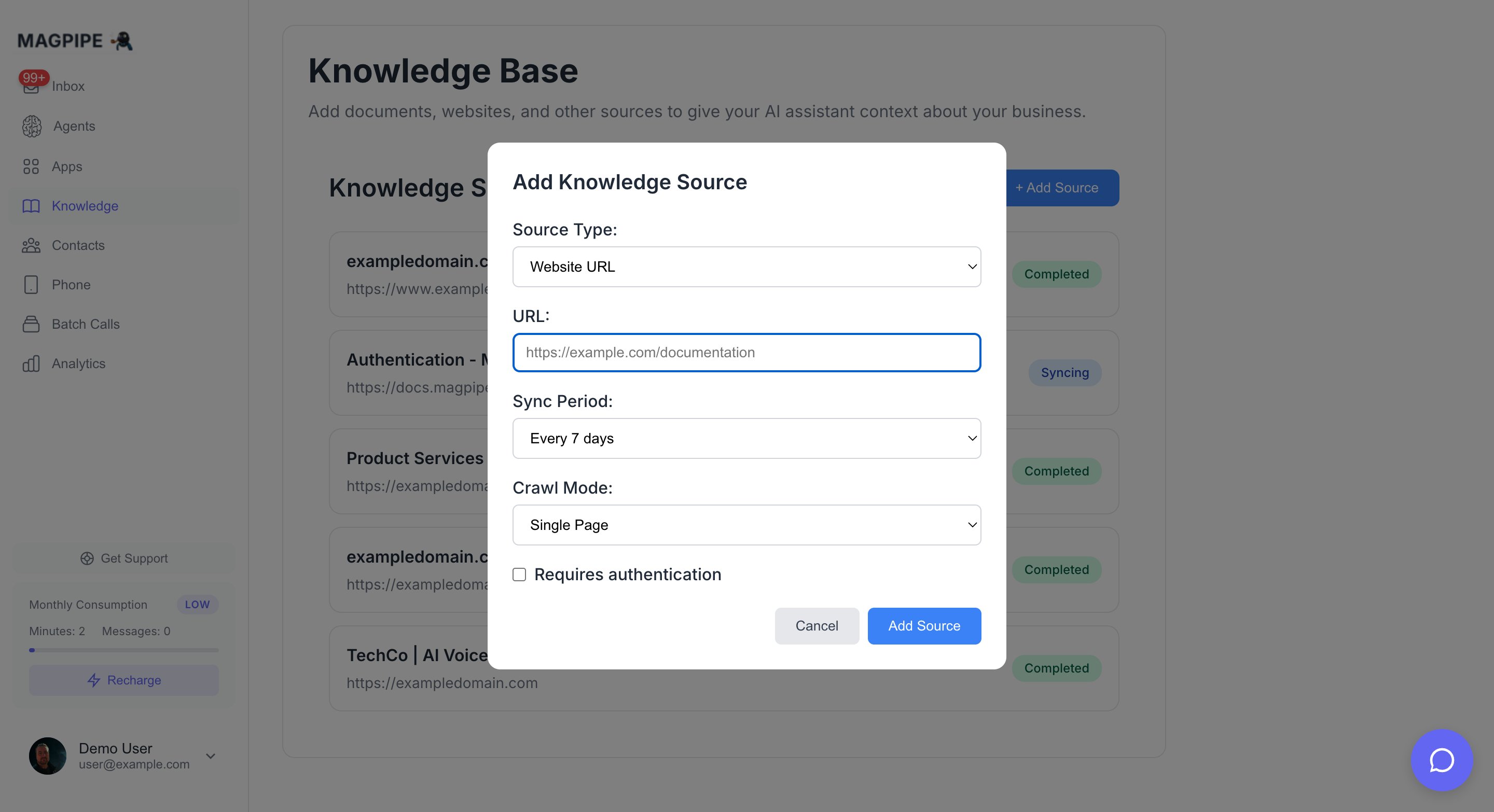
The Add Source modal — enter a URL, paste content, or upload a file
- Website URL
- Paste Content
- Upload File
Crawl content from any public webpage or entire site.
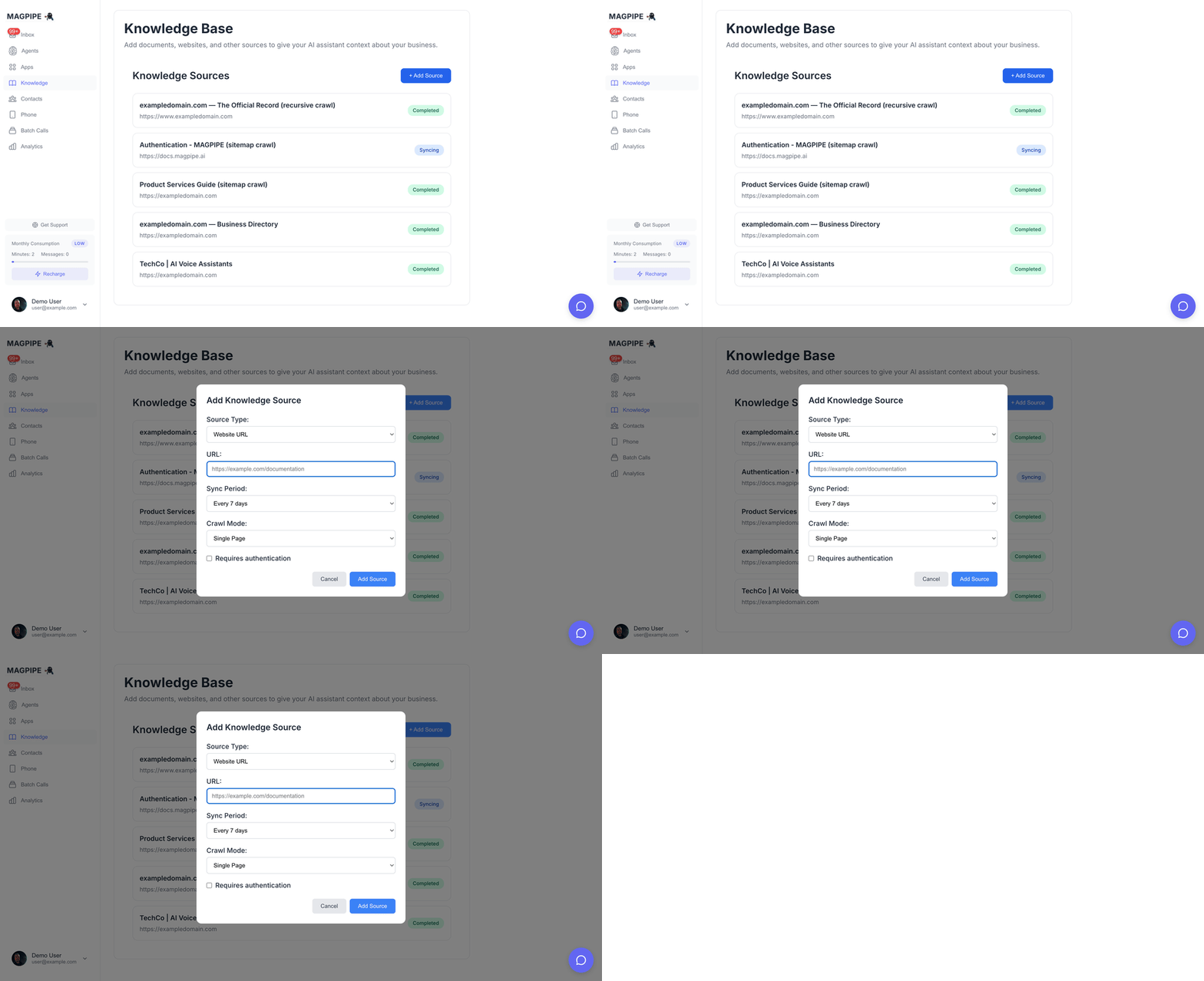
Adding a knowledge source from a URL
From URL
Add content from any public webpage:1
Navigate to Knowledge
Go to Knowledge from the main navigation.
2
Click Add Source
Click the + Add Source button.
3
Enter URL
Paste the full URL of the webpage to import.
Example:
https://yoursite.com/faq4
Choose Crawl Mode
Select how much content to fetch (see Crawl Modes below).
5
Set Sync Schedule
Choose how often to re-fetch content:
- Every 24 hours
- Every 7 days
- Every month
- Every 3 months
6
Submit
Click Add Source. Processing begins immediately.
Crawl Modes
Choose how much of a website to crawl:Single Page Mode
- Fetches and processes one URL immediately
- Fastest option - results in seconds
- Good for FAQs, about pages, individual articles
Sitemap Mode
- Automatically discovers sitemap.xml
- Crawls all pages listed in the sitemap
- Handles sitemap indexes (nested sitemaps)
- Respects robots.txt rules
- Progress tracked in real-time
Sitemap mode looks for sitemaps at common locations:
/sitemap.xml, /sitemap_index.xml, and references in robots.txt.Recursive Mode
- Starts from your URL and follows internal links
- Configure crawl depth (1-5 levels)
- Configure max pages (up to 500)
- Only follows same-domain links
- Skips login pages, file downloads, and non-content URLs
Paste Content
Add knowledge directly without a URL:- Click + Add Source
- Select the Paste Content tab
- Enter a title for the content
- Paste your text (minimum 50 characters)
- Click Add Source
Upload File
Upload PDF or text documents:- Click + Add Source
- Select the Upload File tab
- Enter a title for the file
- Click Choose File or drag and drop
- Click Upload
Protected Pages
For pages behind authentication: Bearer Token / API Key:- Check “Requires authentication”
- Select “Bearer Token”
- Enter your token:
your-api-key-here
- Check “Requires authentication”
- Select “Basic Auth”
- Enter username and password
Supported Content Types
Managing Sources
Source Dashboard
Each knowledge source displays:Source Statuses
- Syncing - Content is being fetched and processed
- Completed - Successfully processed and indexed
- Failed - Error occurred (click to see details)
Editing Sources
Click a source to:- Change the sync schedule
- Update authentication credentials
- Force an immediate re-sync
- View processing logs
Deleting Sources
To remove a knowledge source:- Click the source to expand
- Click Delete Source
- Confirm deletion
Crawl Progress Tracking
For sitemap and recursive crawls, track progress in real-time:- Progress bar shows percentage complete
- Pages crawled / Pages discovered counters
- Current URL being processed
- Failed pages count (with details)
Viewing Parsed URLs
After a multi-page crawl completes:- Click the source to expand
- Click View Parsed URLs
- See all crawled pages with:
- Page title
- URL
- Chunk count per page
Content Best Practices
What to Add
FAQ Pages
FAQ Pages
Your FAQ page is ideal - it contains pre-written Q&A pairs that translate perfectly to agent responses.
Services & Pricing
Services & Pricing
Add pages describing what you offer and pricing. Agents can accurately quote prices and explain services.
About Us & Company Info
About Us & Company Info
Include your story, mission, and team info. Agents can answer “tell me about your company” naturally.
Contact & Location
Contact & Location
Add pages with address, hours, directions, parking info. Critical for “where are you located?” questions.
Policies
Policies
Include return policies, cancellation policies, terms. Agents can explain policies accurately.
Product Catalogs
Product Catalogs
Add product pages. Agents can describe features and specifications to callers.
What NOT to Add
- Entire websites - Too much noise, dilutes relevance
- Login-protected portals - Customer-specific data
- Frequently changing content - Will become stale
- Competitor information - Could confuse the agent
- Internal documents - Security risk
Content Quality Tips
- Keep it factual - Agents repeat what’s in the knowledge base
- Use clear language - Avoid jargon unless your customers use it
- Structure with headings - Helps chunking algorithm
- Include common variations - “hours” and “business hours” both work
- Update regularly - Re-sync when your content changes
Automatic Sync
How Sync Works
- At the scheduled interval, Magpipe re-fetches your URL
- Content is compared to existing version
- If changed, new chunks are generated
- Old chunks are replaced atomically
- Agent immediately uses new content
Sync Schedules
Manual Re-sync
Force an immediate re-sync:- Click the knowledge source
- Click Sync Now
- Wait for processing to complete
Agent Integration
Per-Agent Knowledge
Each agent can access:- All knowledge sources you’ve added
- Relevant chunks are retrieved per-question
- No configuration needed - automatic
Prompt Integration
Knowledge context is automatically injected:Knowledge Limitations
- 3-5 chunks retrieved per question (most relevant)
- ~2000 tokens max knowledge context per response
- Chunks prioritized by relevance score
- Less relevant chunks truncated if limit exceeded
Monitoring & Analytics
Knowledge Usage
Track how your knowledge base is being used:- Which sources are accessed most
- Common questions by topic
- Retrieval success rate
- Gaps in knowledge (unanswered questions)
Retrieval Logs
View what knowledge was used in each conversation:- Open a conversation in Inbox
- View the transcript
- See which knowledge chunks were retrieved
Limits
Troubleshooting
Source Shows “Failed”
Common causes:- URL is not accessible
- Page requires JavaScript to render
- Authentication credentials incorrect
- Content exceeds size limit
JavaScript-Rendered Pages
Some websites require JavaScript to display content. Magpipe automatically tries multiple fallback strategies:- Direct fetch (fastest)
- Firecrawl API (JavaScript rendering)
- Jina Reader API (fallback)
- Microlink API (final fallback)
- Behind a login wall
- Loaded dynamically after page load
- Protected by bot detection
Agent Not Using Knowledge
Check:- Source status is “completed”
- Content was successfully chunked (count > 0)
- Question is related to the content
- Try asking a direct question from the content
Outdated Information
If agent gives old information:- Check when source last synced
- Force a manual re-sync
- Verify the source URL shows current content
Add Knowledge API
Add sources programmatically
List Knowledge API
Retrieve all knowledge sources