

Overview
Magpipe supports two types of outbound calls:- Agent Call - AI agent speaks to the recipient
- Callback Call - You speak to the recipient (bridged through Magpipe)
Making an Agent Call
Use this when you want your AI agent to call someone on your behalf.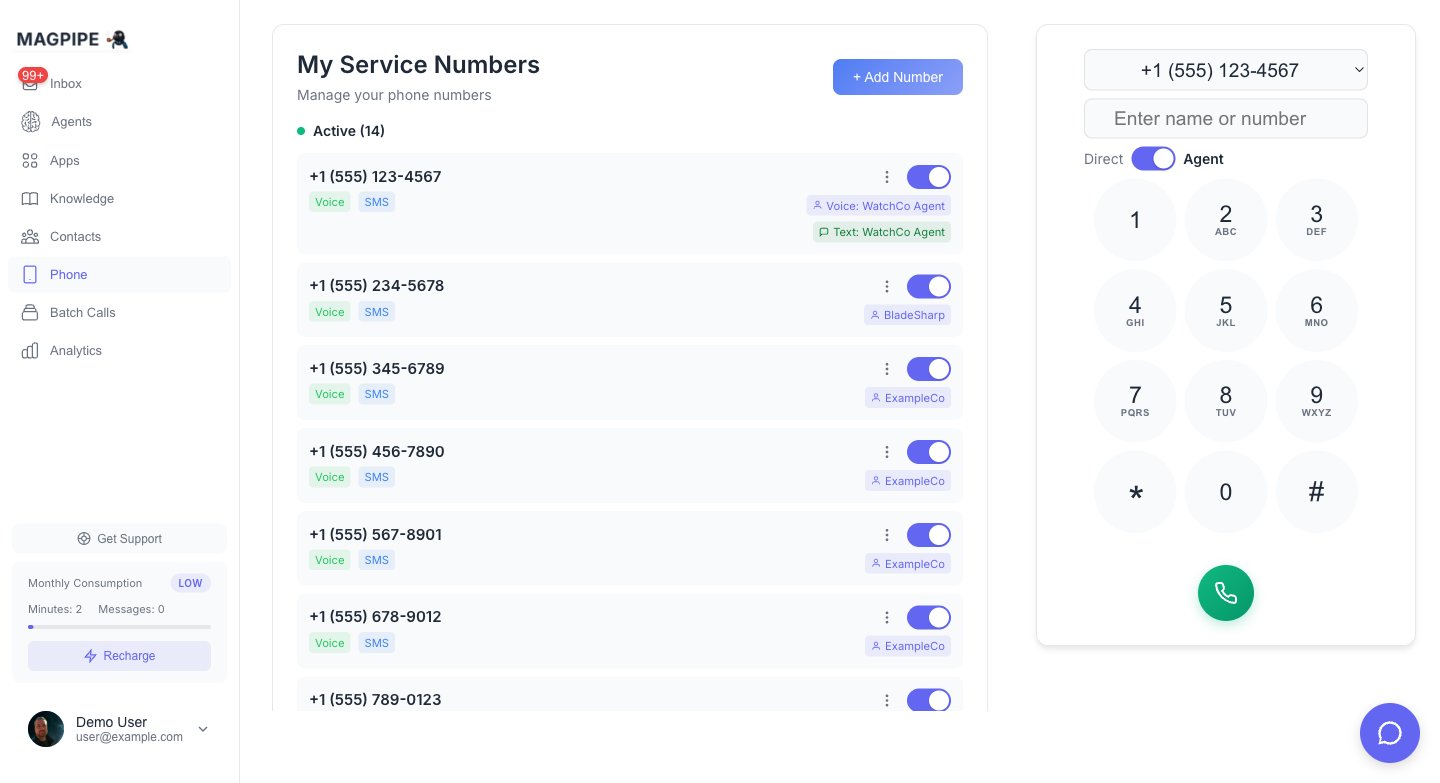
Toggle between Direct and Agent calling modes on the dialpad
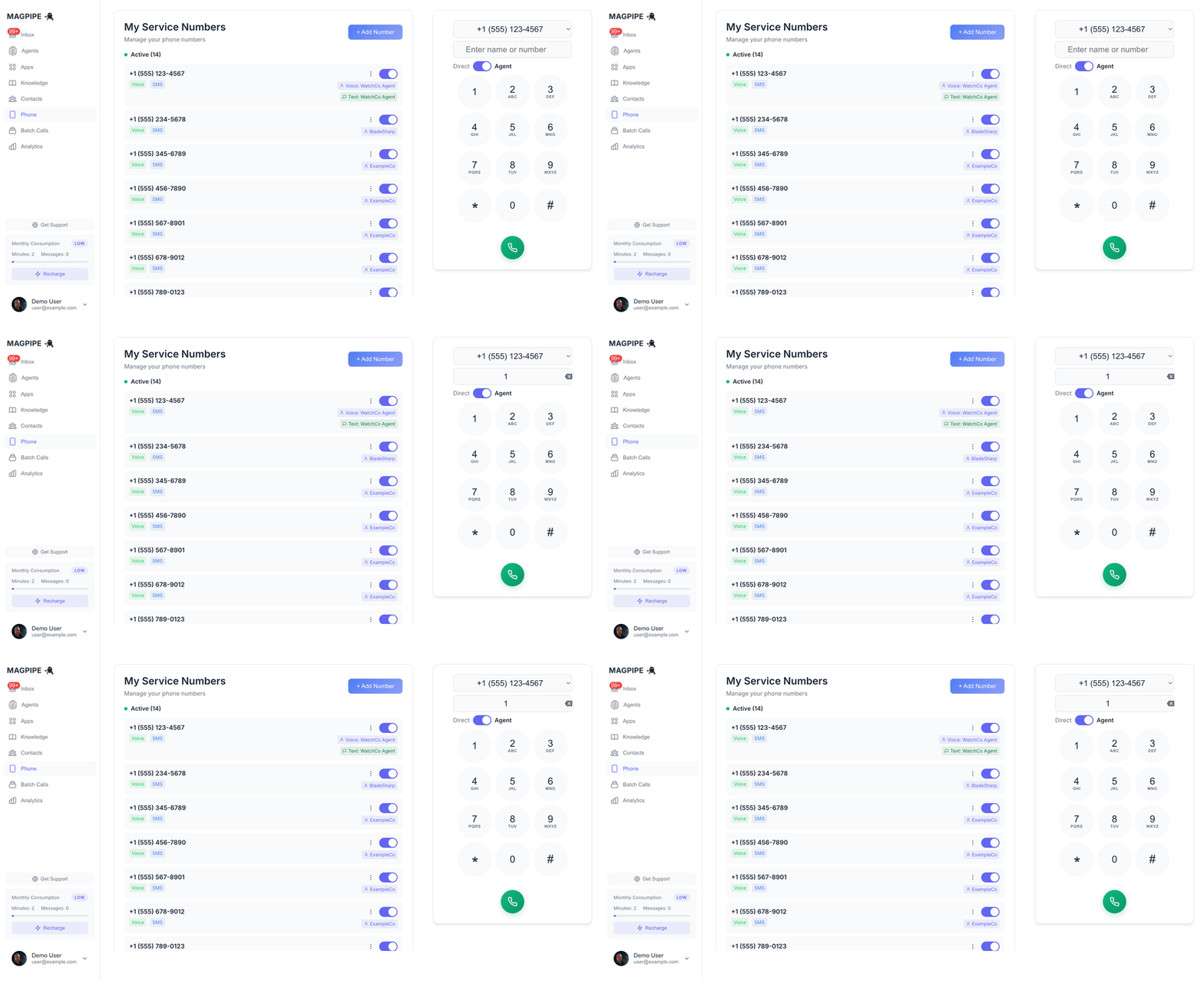
Making an outbound call with the dialpad
1
Open Dialer
From the Home screen, you’ll see the dialpad. Or tap the phone icon in the navigation.
2
Enter Number
Type or paste the phone number you want to call.
3
Select Agent
Choose which agent should make the call from the dropdown.
4
Start Call
Tap the Call button. The agent will call the number and handle the conversation.
5
Monitor
Watch the call status. The call will appear in your Inbox when complete.
Agent Call Flow
- Magpipe initiates call to recipient
- Recipient answers
- Your AI agent delivers its greeting
- Agent handles the conversation
- Call is recorded and transcribed
- Call appears in Inbox
Making a Callback Call
Use this when you want to speak to someone yourself, using your Magpipe number as caller ID.1
Open Dialer
From the Home screen, access the dialpad.
2
Enter Number
Type the phone number you want to call.
3
Disable Agent
Toggle off “Use Agent” or select “No Agent”.
4
Start Call
Tap the Call button.
5
Answer Your Phone
Magpipe calls YOUR phone first. Answer it.
6
Connected
Once you answer, Magpipe bridges you to the recipient.
Callback Call Flow
- Magpipe calls your registered phone
- You answer
- Magpipe then calls the recipient
- When they answer, you’re connected
- Your Magpipe number shows as caller ID
Call Settings
From Number
Choose which of your Magpipe numbers to call from. This affects:- Caller ID shown to recipient
- Which agent is used (for agent calls)
Recording
Calls are recorded by default. Recordings and transcripts appear in the Inbox.Multilingual Calls
Agent calls use the same language setting as inbound calls. If your agent is set to Multilingual, it will detect and match the recipient’s language during the conversation. For single-language agents (French, Spanish, German), the agent speaks that language for the entire call. Configure the language in your agent’s Basic Settings.Tips
Test with yourself first
Test with yourself first
Before calling customers, test by calling your own cell phone to verify the experience.
Set context in the prompt
Set context in the prompt
For agent calls, you can customize the agent’s goal: “You are calling to confirm their appointment tomorrow at 2pm.”
Check your call history
Check your call history
All outbound calls appear in the Inbox with full transcripts and recordings.
Limitations
- Outbound calls require a provisioned phone number
- Some regions may have restrictions on automated calls
- Always comply with local telemarketing regulations