

Overview
Each agent has its own notification settings. Configure which channels receive alerts for calls and messages, independently per agent. Access notifications from Agent Detail → Notifications tab.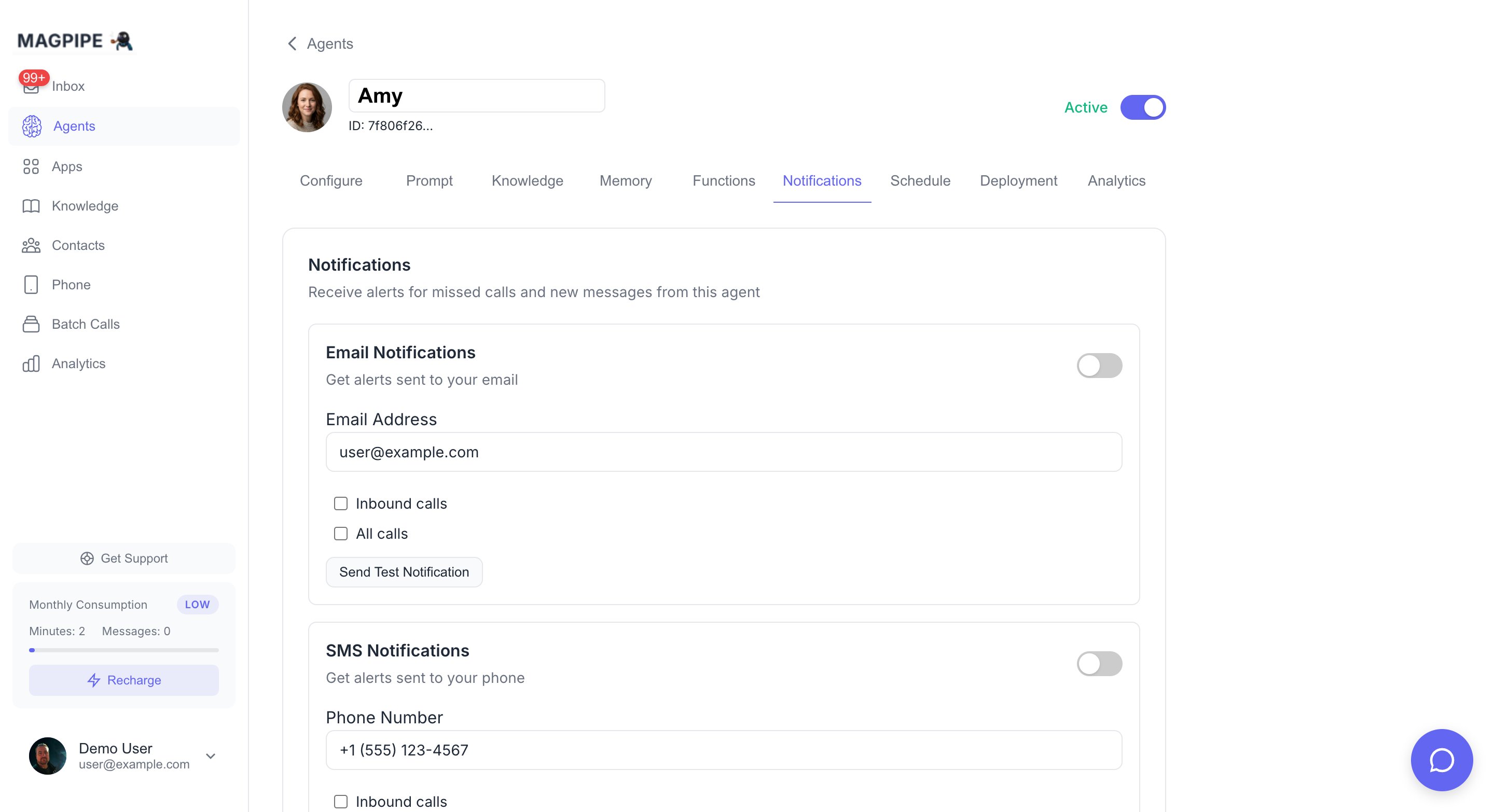
Configure email, SMS, push, and Slack notifications per agent
Sending a test notification to verify your setup
Notification Channels
Email Notifications
Get email alerts for agent activity:SMS Notifications
Get text message alerts:Push Notifications
Get instant alerts on your device:Push notifications require a modern browser (iOS 16.4+ for Safari) and the app must be installed as a PWA on mobile devices.
Slack Notifications
Route notifications to any Slack channel — public or private. Select a channel from the dropdown when configuring notifications or extracted data routing. Private channels require the Magpipe bot to be a member.App Notifications
Control which connected apps receive data from this agent’s conversations. Apps like Slack and HubSpot appear here once connected from the Apps page. Each app card has:- Master toggle — Enable/disable the app for this agent
- SMS messages — Send SMS conversation data to the app
- Call summaries — Send call summary data to the app
- Web chat messages — Send chat widget conversation data to the app
- Include translations — Include translated content (when translation is enabled)
Per-Agent Independence
Each agent maintains its own notification preferences. Changing notifications for one agent does not affect any other agent. This allows you to:- Get email alerts for your primary agent but not test agents
- Route different agents to different Slack channels
- Enable push notifications only for high-priority agents
Auto-Save
All notification settings auto-save when changed. A “Saved” indicator confirms the save completed successfully.Apps & Integrations
Connect Slack, HubSpot, and more
Settings
Account and billing settings