Schedule messages to be sent at a specific time in the future. Perfect for appointment reminders, follow-ups, and automated outreach.

Overview

Scheduled Actions let you queue SMS messages (and soon calls) for future delivery. Actions are processed every 5 minutes and automatically retry on failure.
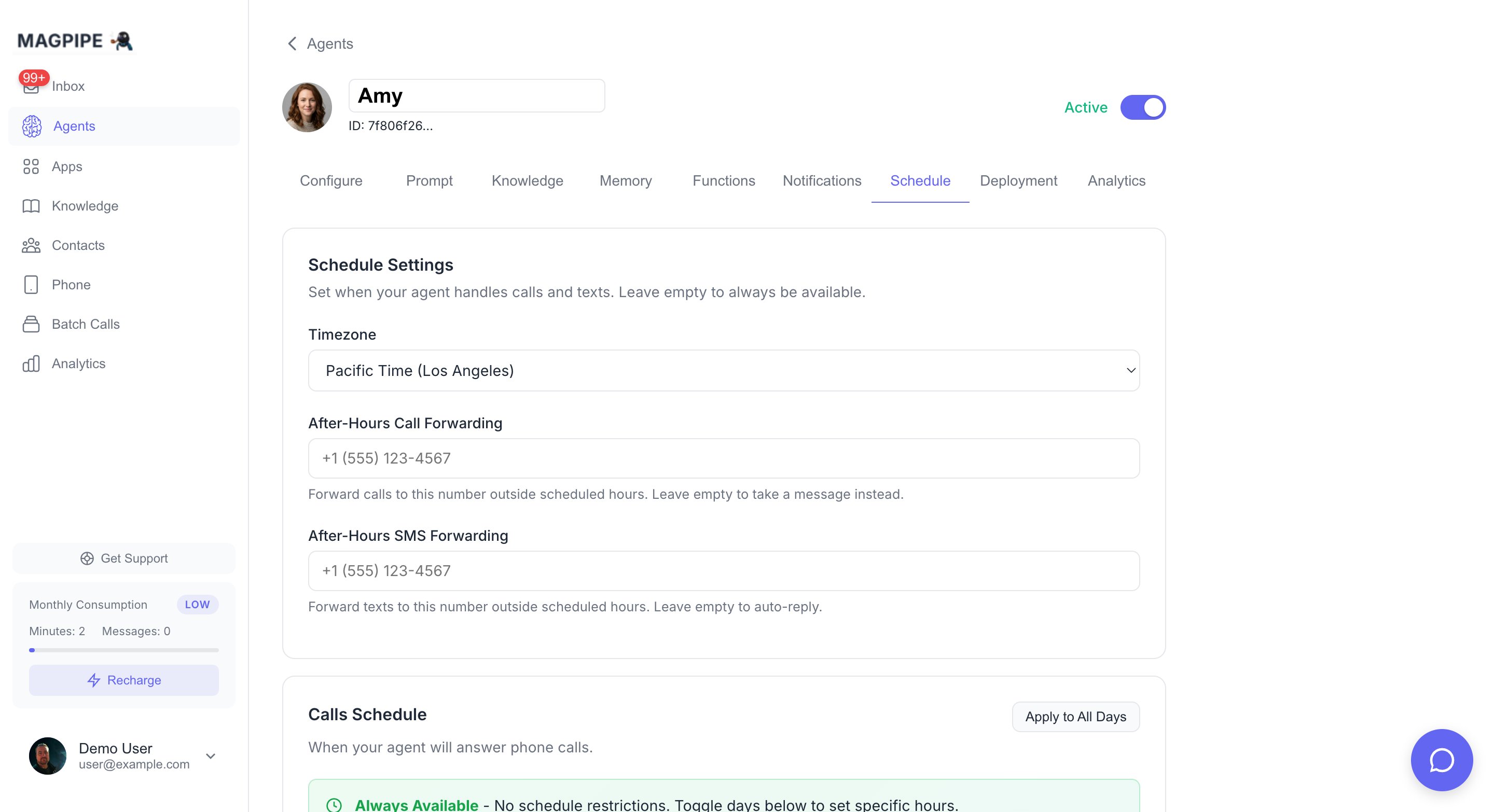
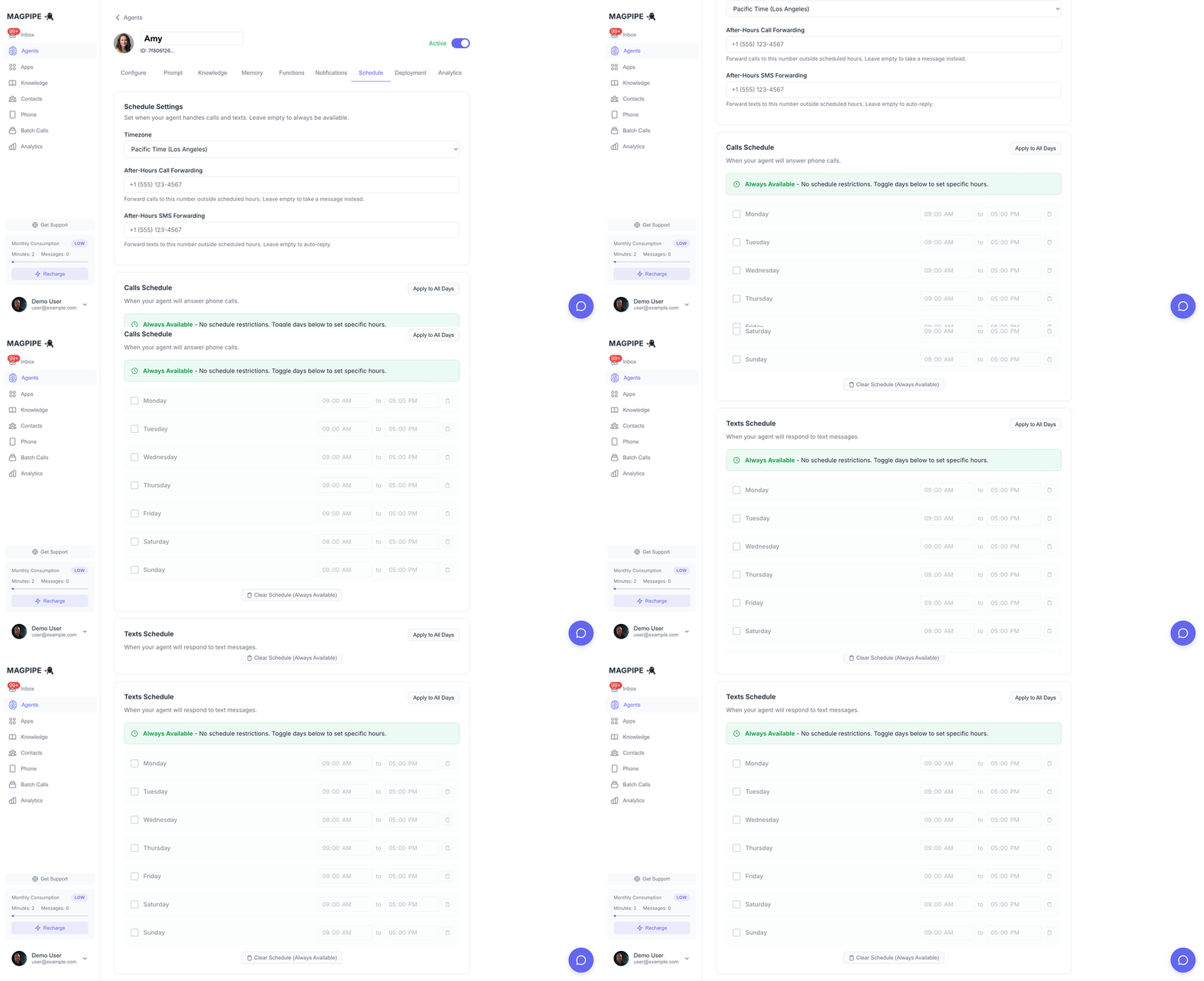
Agent schedule settings
Schedule settings scroll

Supported Actions

Action TypeDescriptionStatus
send_smsSend SMS at scheduled time✅ Available
call_contactInitiate call at scheduled time🔜 Coming soon

Scheduling via Agent Chat

The easiest way to schedule actions is through natural language in the Agent Chat.

Examples

Schedule a reminder:
“Send John a reminder about his appointment tomorrow at 9am”
Schedule a follow-up:
“Text Sarah next Monday at 2pm: Thanks for meeting with us today!”
Schedule with specific time:
“Send an SMS to +14155551234 on January 15th at 10:00 AM PST saying ‘Your order is ready for pickup’”
The agent will:
  1. Parse your request
  2. Look up the contact (by name or number)
  3. Show you a confirmation with the exact send time
  4. Queue the message after you confirm

Scheduling via API

You can also schedule actions programmatically.

Create Scheduled SMS

curl -X POST "https://api.magpipe.ai/functions/v1/scheduled-actions" \
  -H "Authorization: Bearer YOUR_API_KEY" \
  -H "Content-Type: application/json" \
  -d '{
    "action_type": "send_sms",
    "scheduled_at": "2026-01-15T10:00:00-08:00",
    "parameters": {
      "recipient_phone": "+14155551234",
      "recipient_name": "John Smith",
      "message": "Your appointment is in 1 hour. Reply STOP to opt out.",
      "sender_number": "+16045559876"
    }
  }'

Parameters

FieldTypeRequiredDescription
action_typestringYessend_sms or call_contact
scheduled_atstringYesISO 8601 datetime with timezone
parametersobjectYesAction-specific parameters
SMS Parameters:
FieldTypeRequiredDescription
recipient_phonestringYesRecipient phone in E.164 format
recipient_namestringNoRecipient name for reference
messagestringYesMessage content
sender_numberstringNoYour Magpipe number (defaults to primary)

How Processing Works

Scheduled actions are processed automatically:
  1. Every 5 minutes, the system checks for pending actions
  2. Actions with scheduled_at <= now are executed
  3. Successful actions are marked completed
  4. Failed actions retry up to 3 times with 5-minute delays
  5. After 3 failures, actions are marked failed
┌─────────────────┐     ┌─────────────────┐     ┌─────────────────┐
│     pending     │ ──► │   processing    │ ──► │    completed    │
└─────────────────┘     └─────────────────┘     └─────────────────┘

                               │ (on failure)

                        ┌─────────────────┐
                        │  retry (up to 3)│
                        └─────────────────┘

                               │ (max retries)

                        ┌─────────────────┐
                        │     failed      │
                        └─────────────────┘

Action Statuses

StatusDescription
pendingQueued, waiting for scheduled time
processingCurrently being executed
completedSuccessfully executed
failedFailed after all retry attempts
cancelledManually cancelled before execution

Managing Scheduled Actions

List Pending Actions

curl "https://api.magpipe.ai/functions/v1/scheduled-actions?status=pending" \
  -H "Authorization: Bearer YOUR_API_KEY"

Cancel an Action

Cancel a pending action before it executes:
curl -X PATCH "https://api.magpipe.ai/functions/v1/scheduled-actions/{id}" \
  -H "Authorization: Bearer YOUR_API_KEY" \
  -H "Content-Type: application/json" \
  -d '{"status": "cancelled"}'
You can only cancel actions with pending status. Once an action starts processing, it cannot be cancelled.

SMS Compliance

Scheduled SMS messages automatically include compliance handling:
  • Opt-out checking: Messages won’t send to contacts who have opted out
  • Compliance footer: US numbers automatically get “STOP to opt out” appended
  • Delivery tracking: Message status is logged and trackable

Time Zones

Always use ISO 8601 format with timezone information:
2026-01-15T10:00:00-08:00  (Pacific Time)
2026-01-15T13:00:00-05:00  (Eastern Time)
2026-01-15T18:00:00Z       (UTC)
When scheduling via agent chat, use natural language like “tomorrow at 9am” or “next Monday at 2pm” - the agent automatically converts to the correct timezone based on your account settings.

Use Cases

Appointment Reminders

Schedule reminders 24 hours and 1 hour before appointments:
// 24-hour reminder
await scheduleAction({
  action_type: 'send_sms',
  scheduled_at: dayjs(appointmentTime).subtract(24, 'hours').toISOString(),
  parameters: {
    recipient_phone: customerPhone,
    message: `Reminder: Your appointment is tomorrow at ${time}. Reply C to confirm or R to reschedule.`
  }
});

// 1-hour reminder
await scheduleAction({
  action_type: 'send_sms',
  scheduled_at: dayjs(appointmentTime).subtract(1, 'hour').toISOString(),
  parameters: {
    recipient_phone: customerPhone,
    message: `Your appointment is in 1 hour. See you soon!`
  }
});

Follow-up Sequences

Send a series of follow-up messages after an event:
const followUps = [
  { delay: 1, unit: 'day', message: 'Thanks for visiting! How was your experience?' },
  { delay: 3, unit: 'days', message: 'Don\'t forget to leave us a review!' },
  { delay: 7, unit: 'days', message: 'We miss you! Come back for 10% off.' }
];

for (const followUp of followUps) {
  await scheduleAction({
    action_type: 'send_sms',
    scheduled_at: dayjs().add(followUp.delay, followUp.unit).toISOString(),
    parameters: {
      recipient_phone: customerPhone,
      message: followUp.message
    }
  });
}

Business Hours Messaging

Schedule messages to arrive during business hours:
// If it's after 6pm, schedule for 9am next business day
let sendTime = dayjs();
if (sendTime.hour() >= 18) {
  sendTime = sendTime.add(1, 'day').hour(9).minute(0);
}
// Skip weekends
while (sendTime.day() === 0 || sendTime.day() === 6) {
  sendTime = sendTime.add(1, 'day');
}

Limits

LimitValue
Max actions per processing run50
Processing intervalEvery 5 minutes
Max retry attempts3
Retry delay5 minutes
Need higher throughput or more frequent processing? Contact us about enterprise options.