

Overview
Webhooks let you receive real-time notifications when events happen in Magpipe. Instead of polling the API for updates, Magpipe sends aPOST request to your server with event data as soon as the event occurs — voice calls completing, SMS messages arriving or being sent, and chat sessions ending.
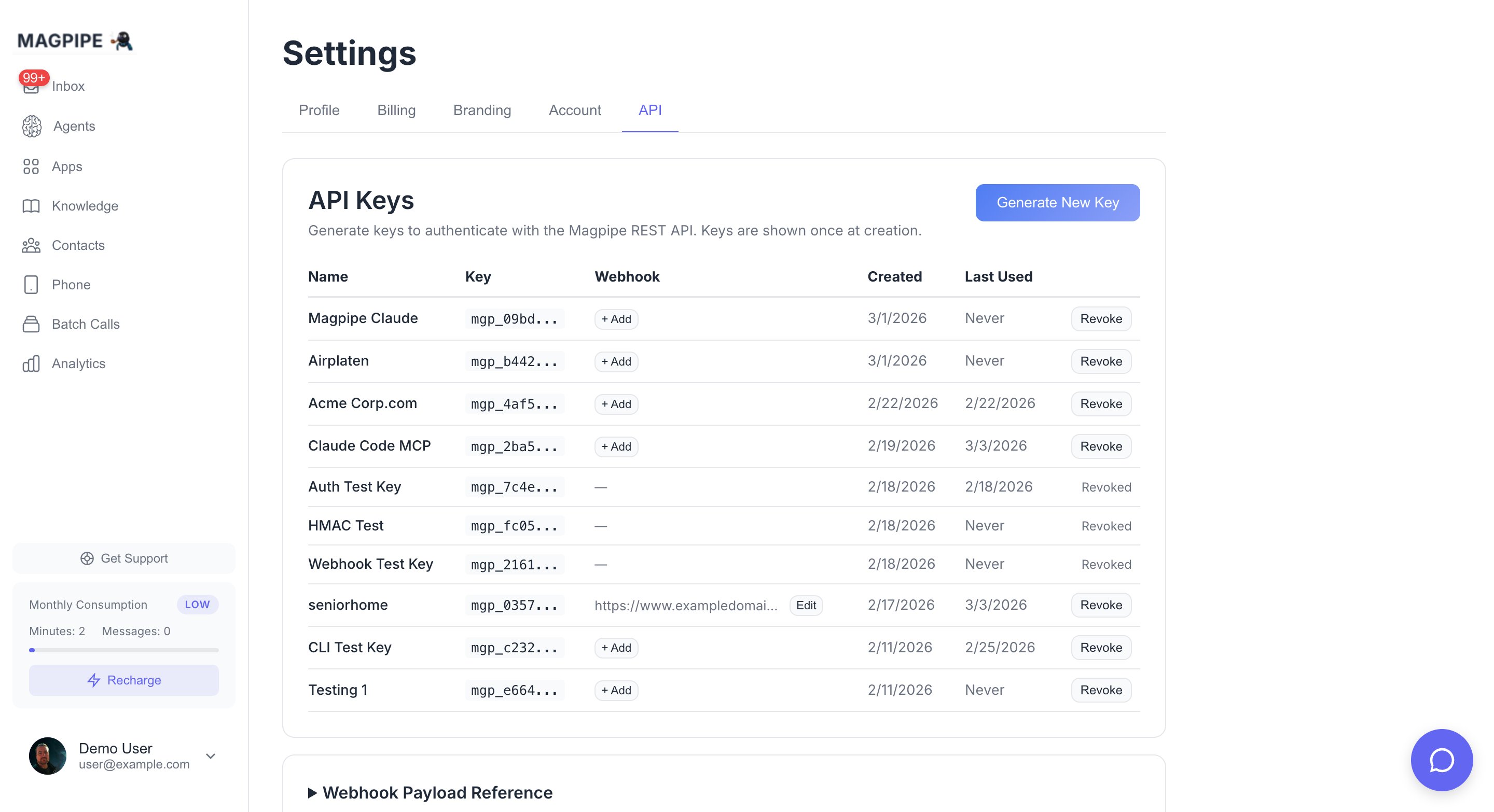
Generate API keys and configure webhook URLs in Settings
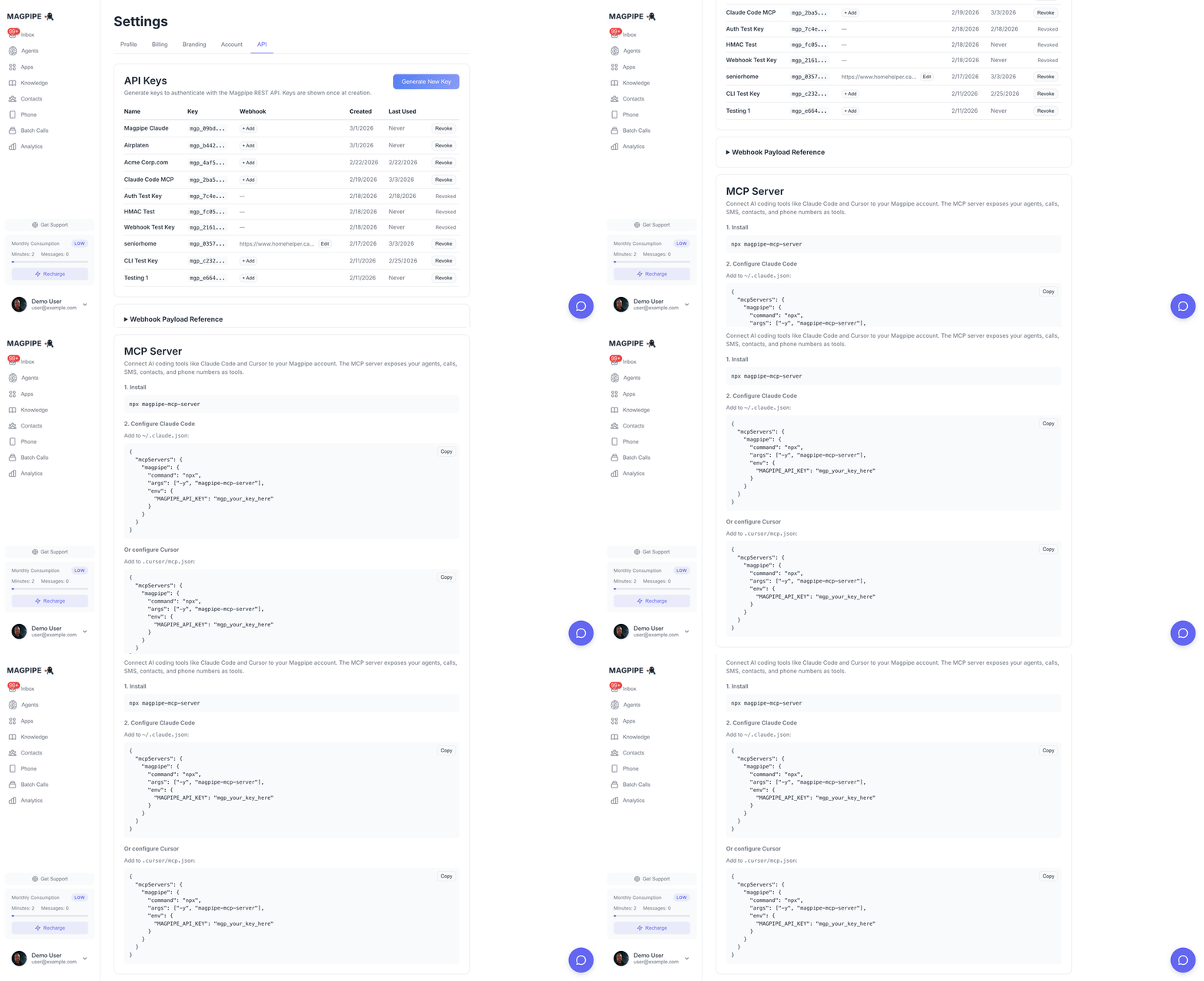
Scroll through API keys, webhook payload reference, and MCP config
Setup
- Go to Settings → API
- Click Generate New Key (or Edit on an existing key)
- Enter your webhook URL (e.g.,
https://your-server.com/webhook) - Save — a signing secret is automatically generated
You can add or change the webhook URL on any existing API key at any time. The signing secret is generated automatically when you first set a URL.
Per-number scoping
A key scoped to specific service numbers (set up when those numbers are assigned to its agents) receives number-bound events (sms.received, sms.sent, call.completed) only for its own numbers — so multiple integrations on one account stay isolated. A key with no number scoping receives events for every number, but only when it’s the only webhook key on the account; on an account with multiple webhook keys an unscoped key receives nothing until it’s scoped (so a new key can’t accidentally pick up another integration’s events). Events without a service number (e.g. chat.session.completed) are always delivered.
Events
call.completed
Fired when a call ends and all post-processing (transcript, summary, data extraction) is complete.
Field Reference
sms.received
Fired when an inbound SMS lands on one of your Magpipe service numbers.
Field Reference
sms.received does not fire for content-loop traps (the same message repeated 3+ times by the same sender — Magpipe stops responding to break the loop). It still fires for opt-out/opt-in replies so you can track them.sms.sent
Fired when an outbound SMS is dispatched. Covers manual sends from the portal, AI-generated agent replies, notification SMS, and API-initiated sends.
Field Reference
whatsapp.received
Fired when an inbound WhatsApp message lands on a number whose WhatsApp account has a webhook_url set. This is a per-WhatsApp-number forward configured on the WhatsApp account (not the API-key webhook above), and it routes raw inbound messages to your endpoint instead of the AI agent replying.
Field Reference
whatsapp.received is delivered to the WhatsApp account’s webhook_url and is not HMAC-signed (no x-magpipe-signature). Setting a WhatsApp account’s webhook_url suppresses the AI agent for that number — use one model or the other.chat.session.completed
Fired when a website chat session ends — either when the visitor explicitly closes the widget or after 30 minutes of inactivity.
Field Reference
Verifying Signatures
Every webhook request includes anx-magpipe-signature header containing an HMAC-SHA256 signature of the request body, signed with your webhook signing secret.
Always verify the signature to confirm the request came from Magpipe.
Verification Examples
Signature Format
Thex-magpipe-signature header value follows this format:
HMAC-SHA256(webhook_secret, raw_request_body) and compare the hex digest to the value after sha256=.
Delivery Details
All delivery attempts are logged in the
webhook_deliveries table for debugging, including the HTTP status code, response body, attempt number, and duration.
Retry Policy
Magpipe retries delivery on:- Network errors and timeouts
- HTTP
408 Request Timeout - HTTP
429 Too Many Requests - HTTP
5xxerrors
2xxand3xxresponses (treated as success)410 Gone— stops retries permanently for this delivery- Other
4xxresponses — treated as a permanent client error and sent to the dead-letter queue immediately for replay
Idempotency
Because retries can deliver the same event more than once, your handler should be idempotent. Dedupe on the event-specific ID:
A simple
INSERT ... ON CONFLICT DO NOTHING keyed on the dedup column on your side is enough.
Dead-letter queue
If all retries fail (or a non-retryable4xx is returned), the event is moved to the webhook_dead_letter table. It can be inspected via the same database row-level visibility that exposes webhook_deliveries, and replayed manually via the Replay API below.
Replay API
POST /functions/v1/replay-webhook-delivery
Authenticate with your mgp_ API key. Two modes are supported:
Replay one delivery
delivery_id may reference a row in webhook_deliveries or webhook_dead_letter. The original event envelope is sent verbatim — same body, same HMAC. The replayed delivery is logged as a fresh attempt 1, separate from any prior retry chain.
Replay a window
event_type in the time window (deduplicated, so multi-attempt deliveries replay once). Capped at 500 events per call. Use this to backfill after your endpoint has had downtime.
Replays are scoped to deliveries that belong to one of your
api_keys. You can never replay another tenant’s events.Managing Webhook Secrets
- A signing secret (
whsec_...) is auto-generated when you first set a webhook URL on an API key - The secret is visible in Settings → API — click Edit on any key with a webhook URL
- Clearing the webhook URL also clears the signing secret
- Setting a new webhook URL on a key that already has a secret keeps the existing secret
Testing
Use a service like webhook.site to test your webhook integration:- Go to webhook.site and copy the unique URL
- Set it as your webhook URL in Settings → API
- Make a test call to any of your Magpipe phone numbers
- After the call completes, check webhook.site for the delivered payload